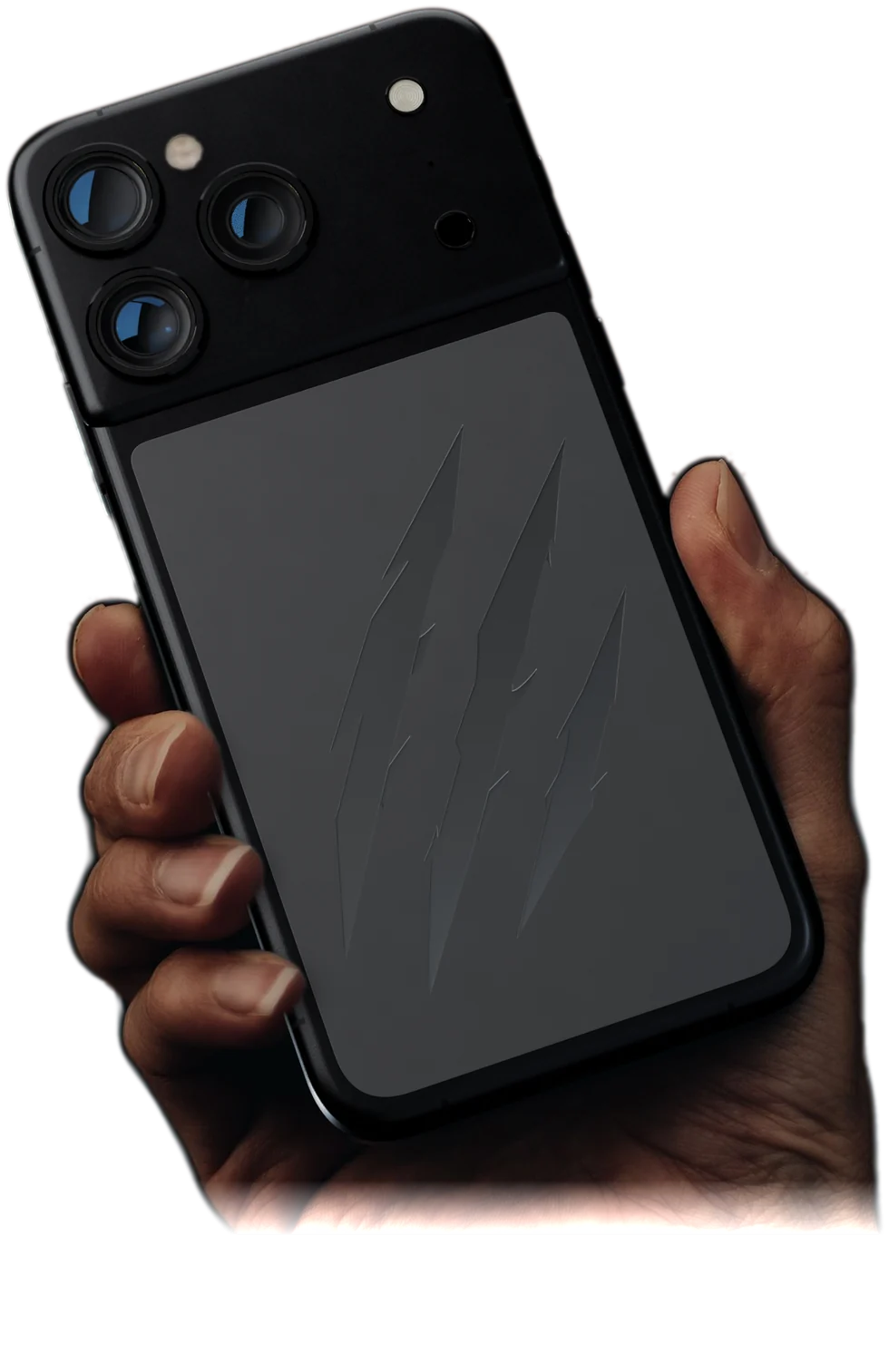
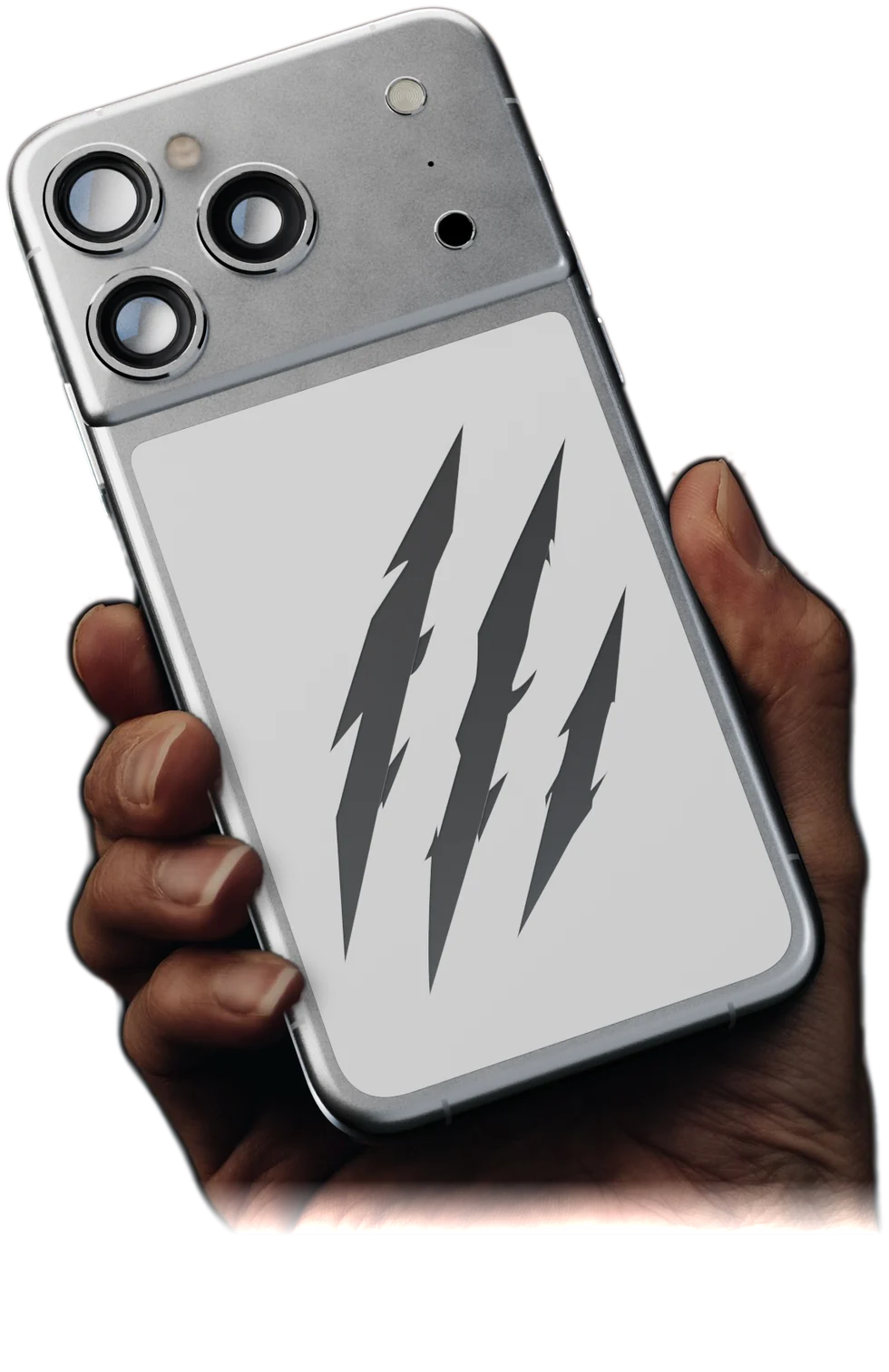
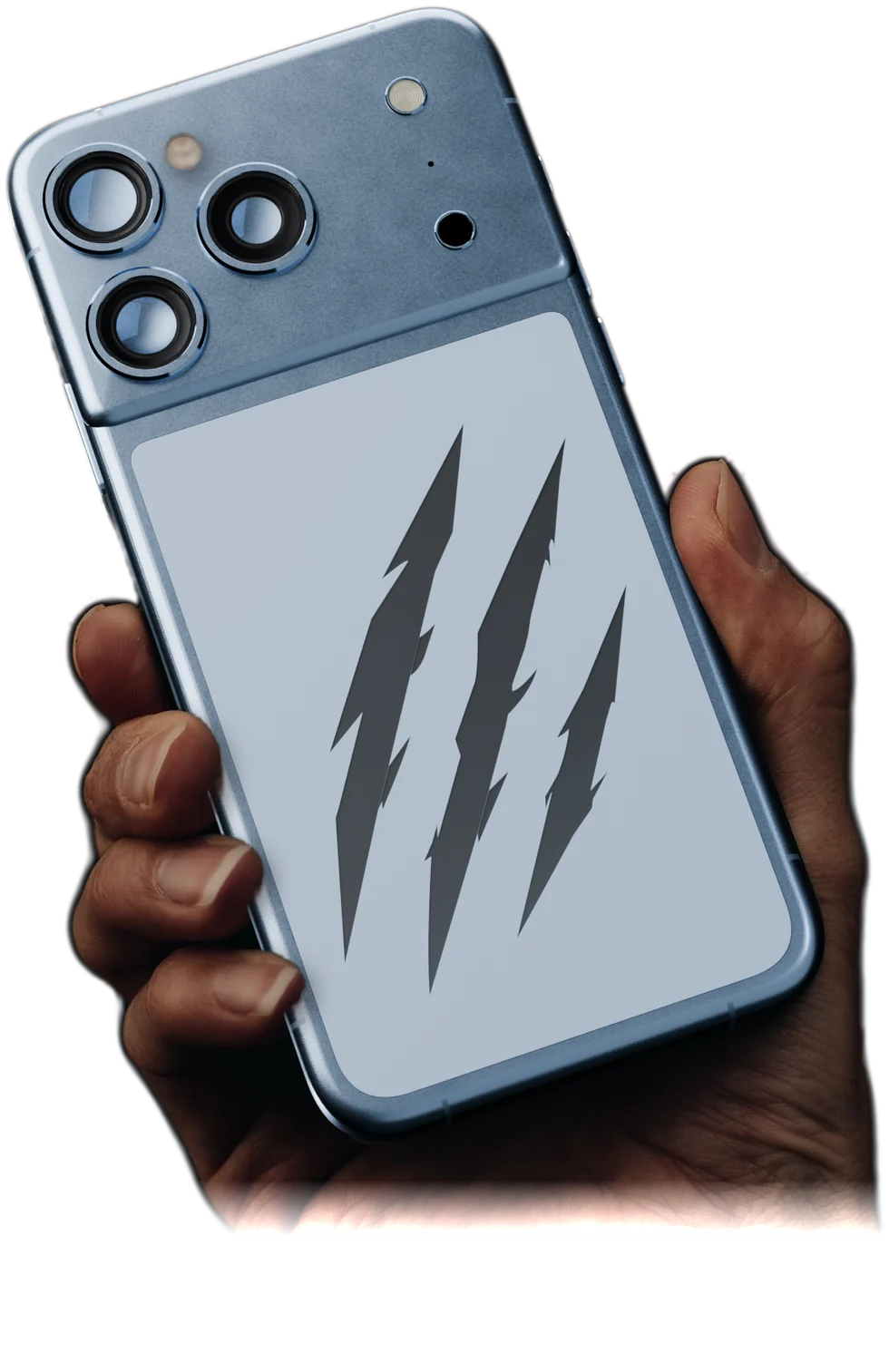
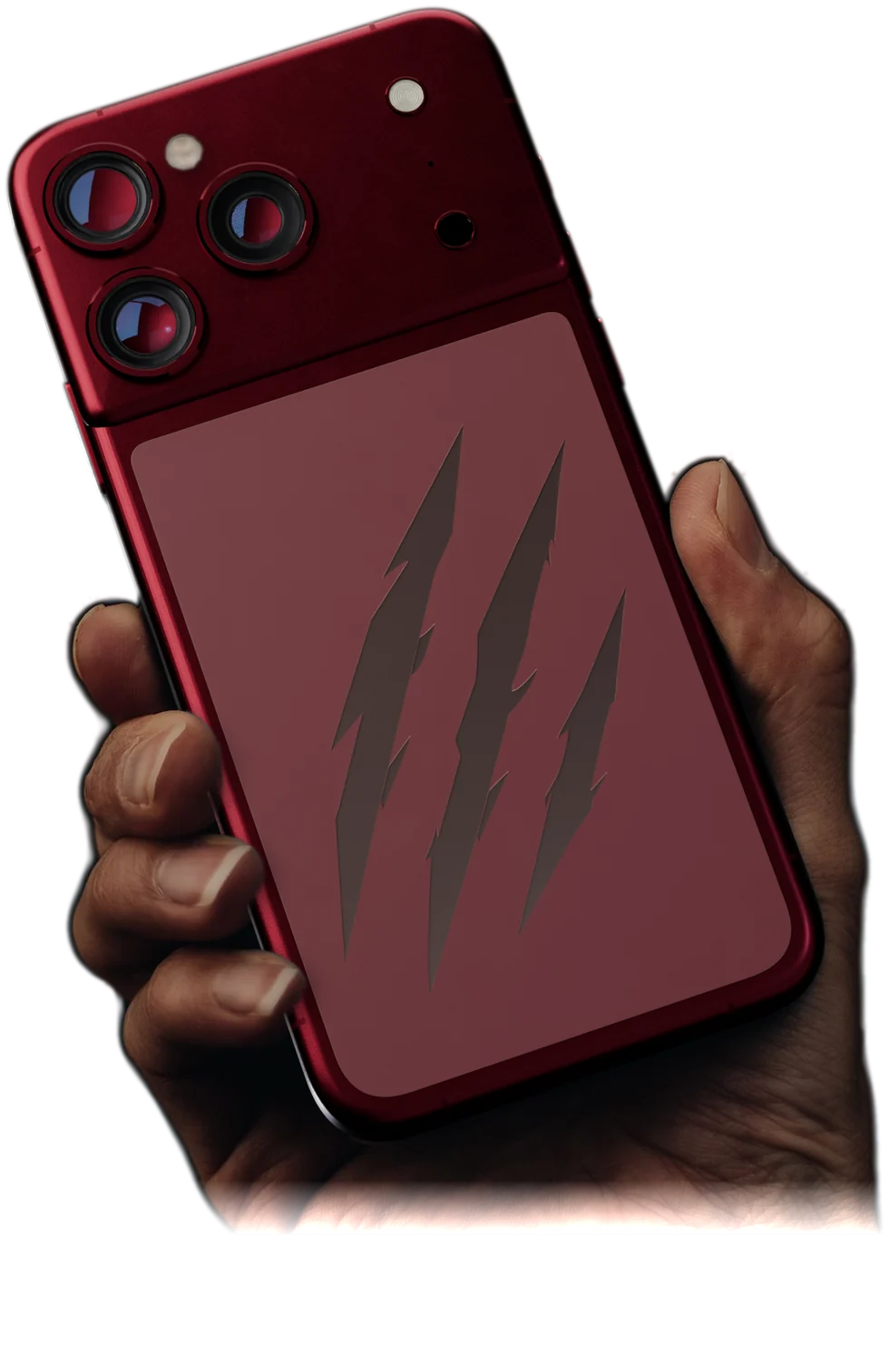
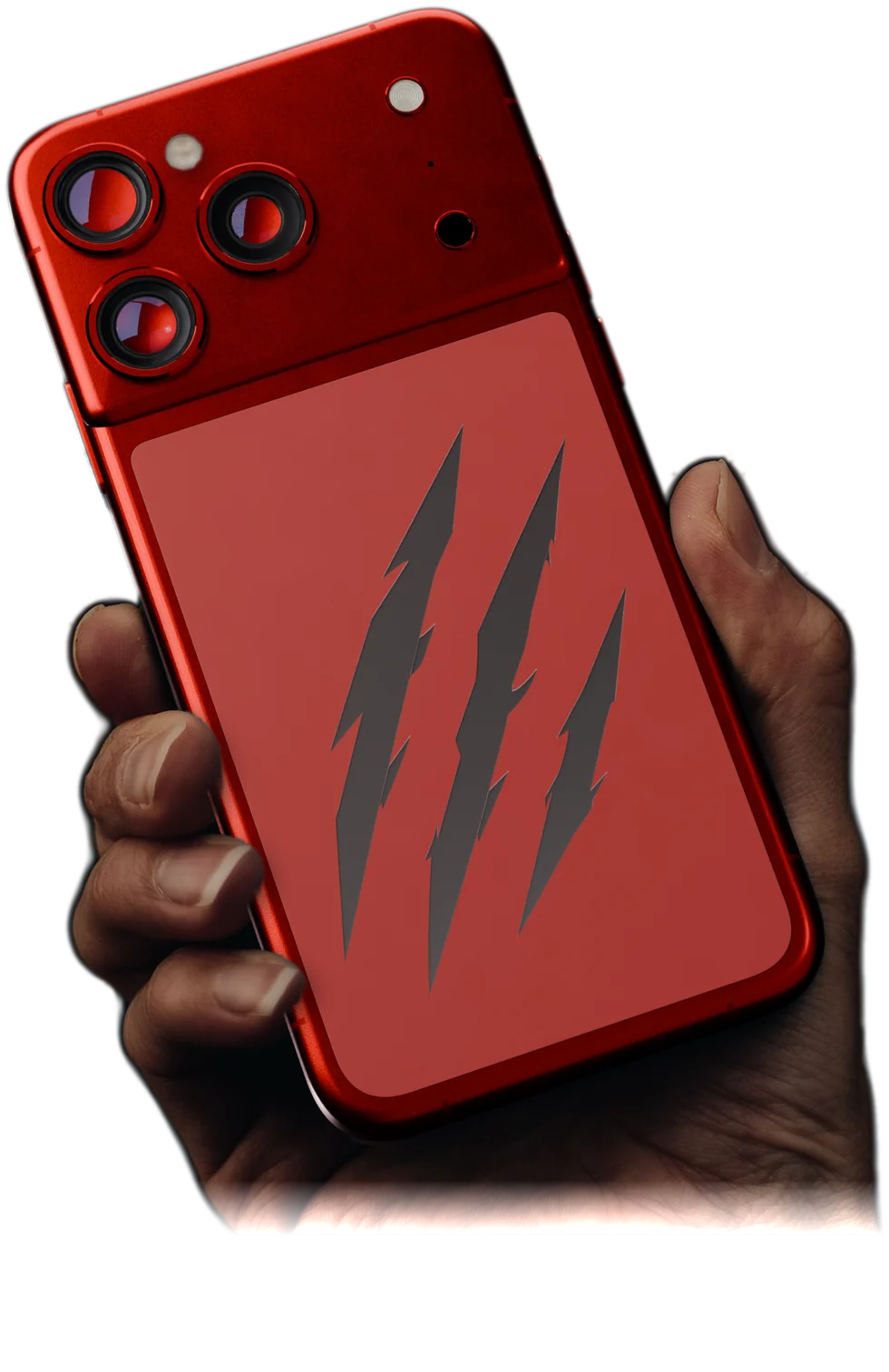
Designed down to the lens. A camera plateau that runs edge to edge, with three rings and sapphire covers.
Trailer · October 31
RX Phone
Your city, in their pocket.
Trailer in 2d 11h 49m 12s
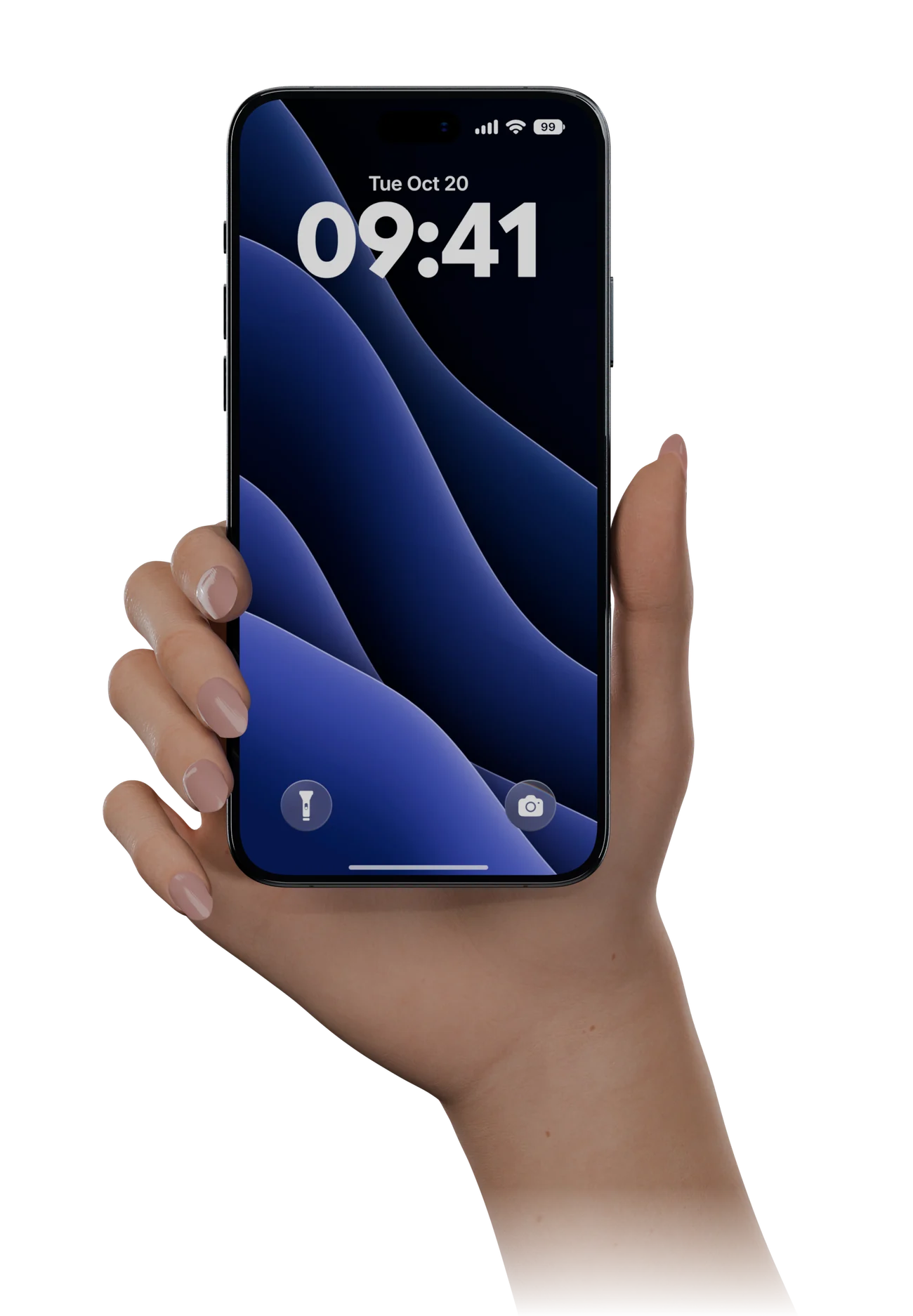
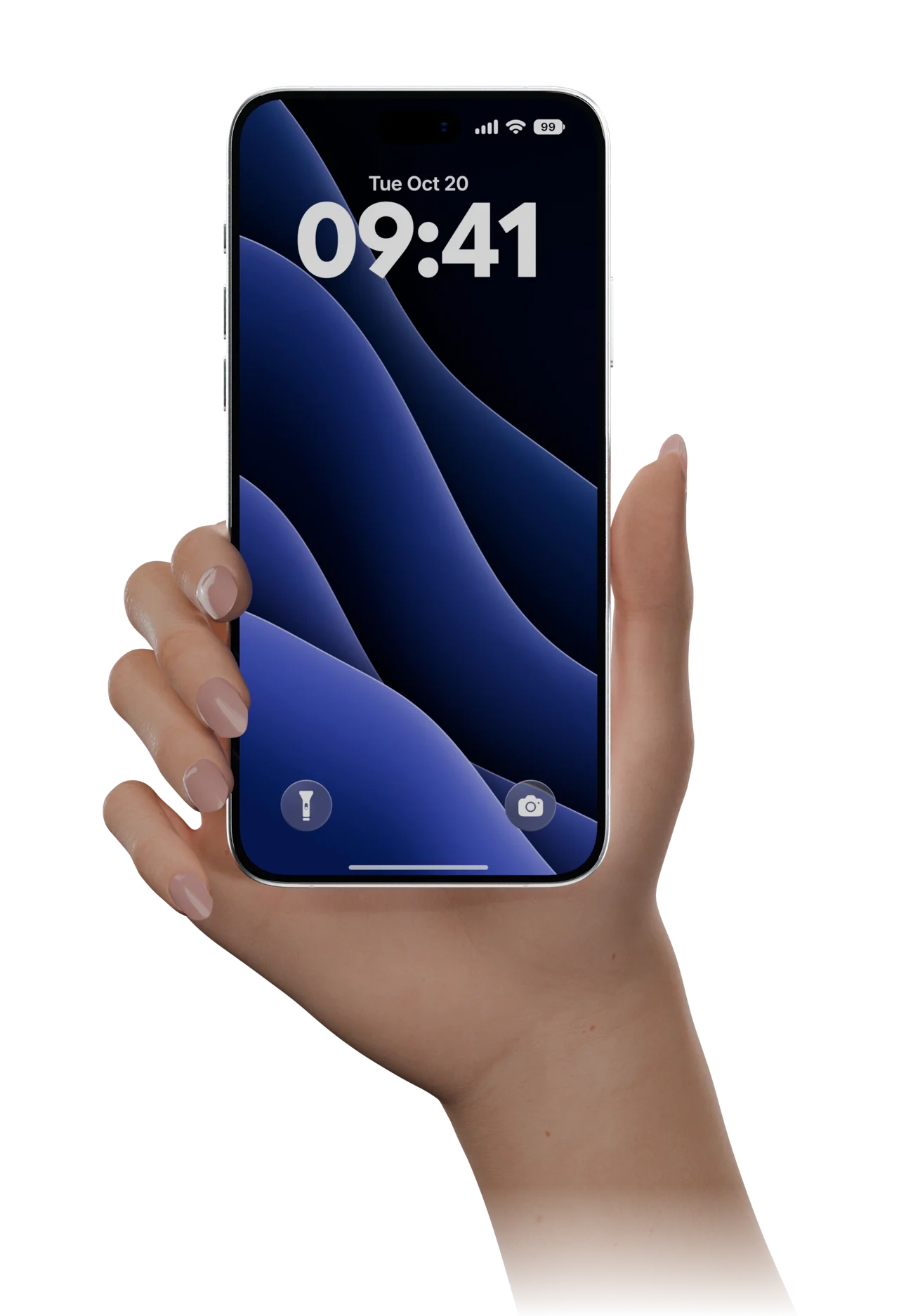
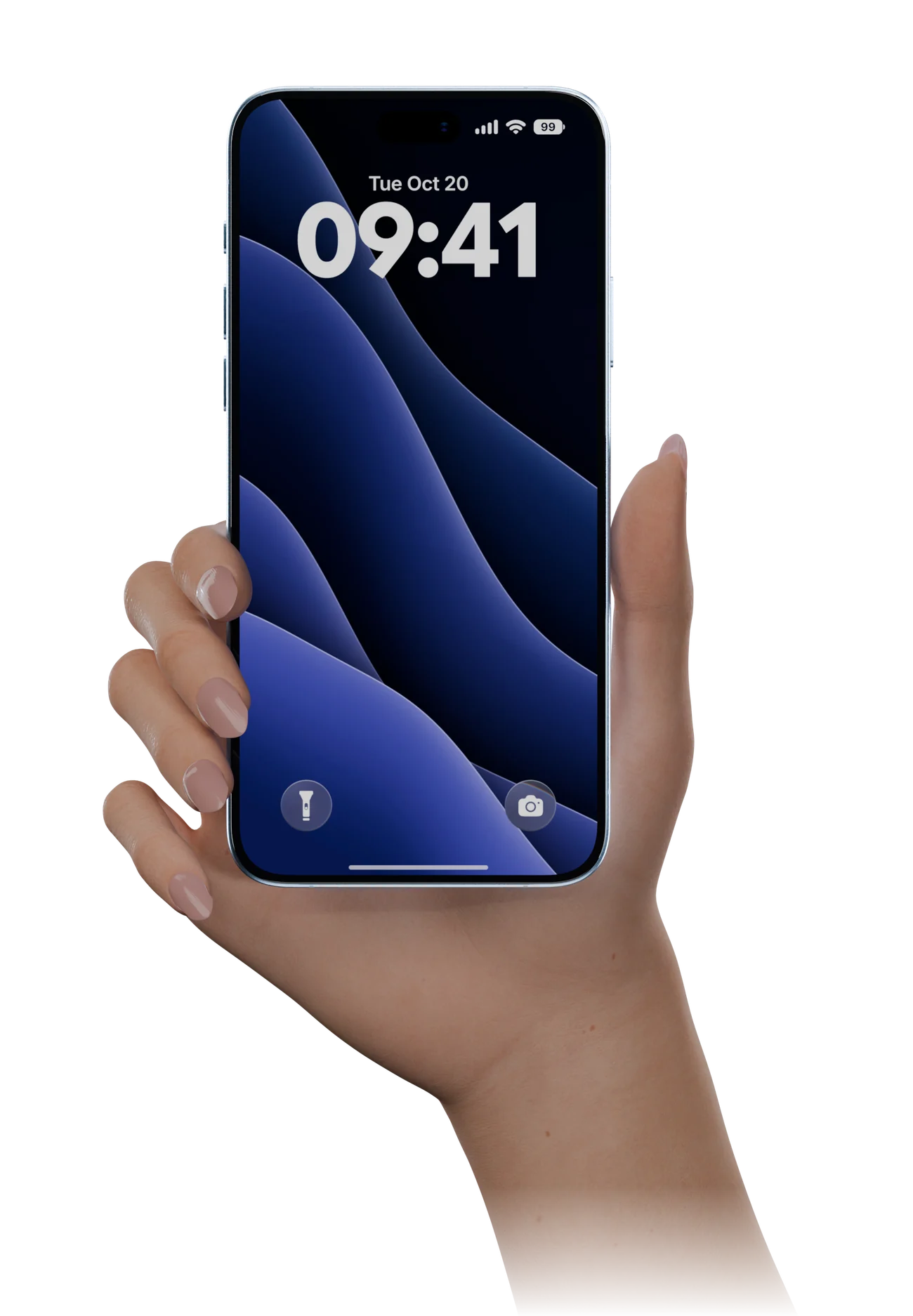
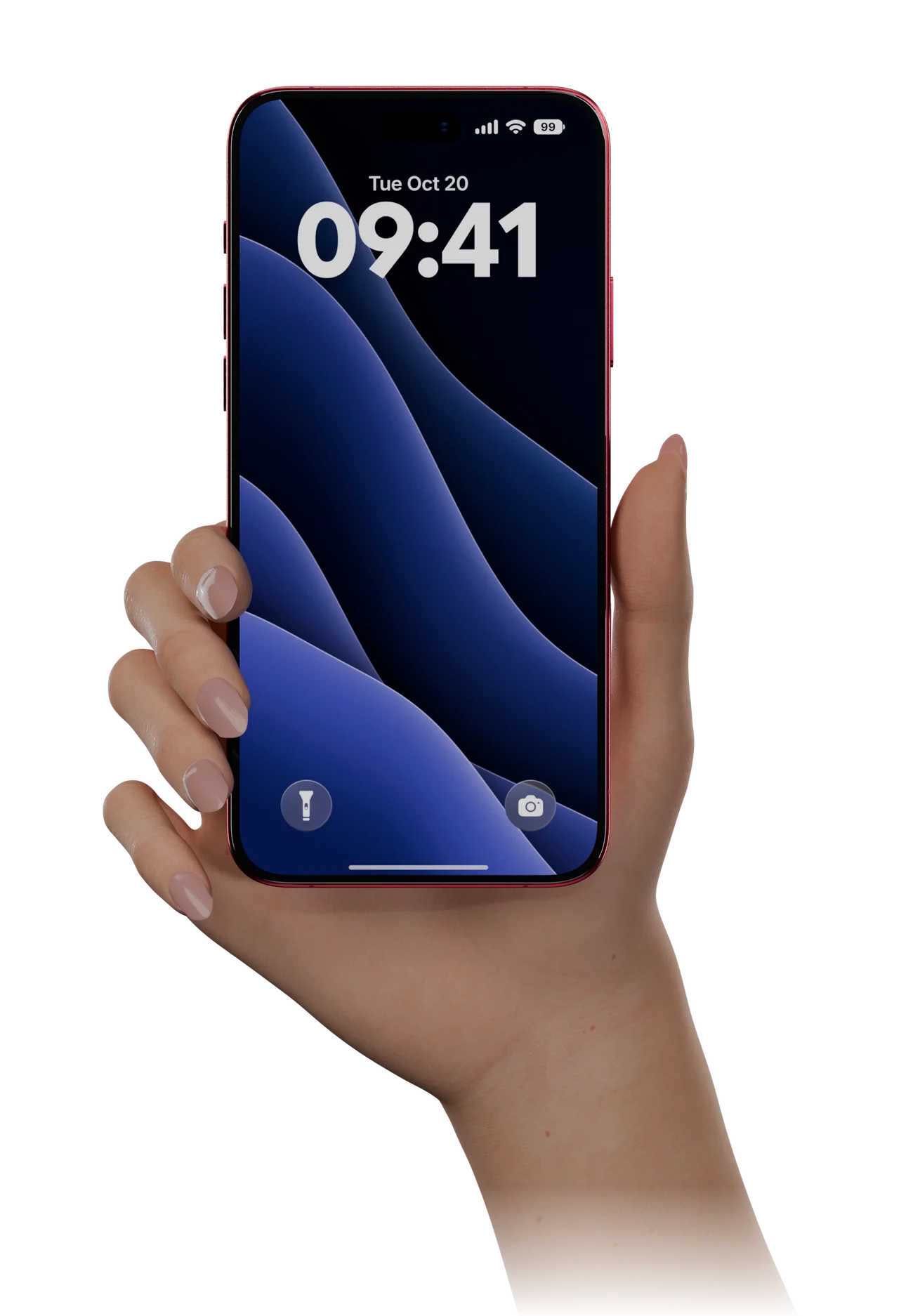
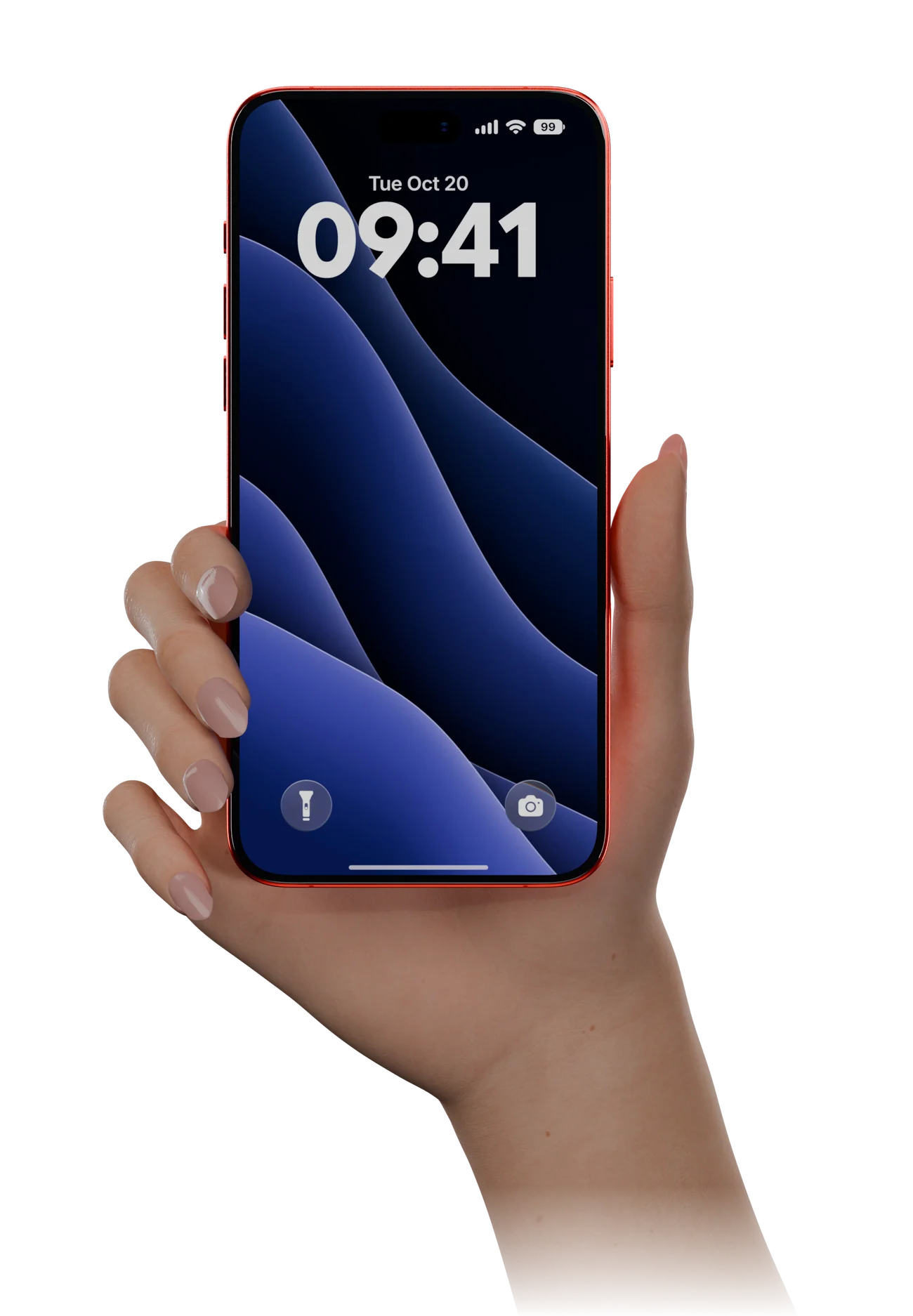
A phone that feels like one. Lock screen, Control Center, widgets and a Dynamic Island — every gesture players expect, inside the city.
Take a closer look.
Design
The claw, cut into glass.
The Ripex mark sits in the back of every RX Phone, catching the light as it turns.
22 apps. One city.
Everything a player reaches for is already on the home screen — from the feed everyone argues on to the wallet that settles it.
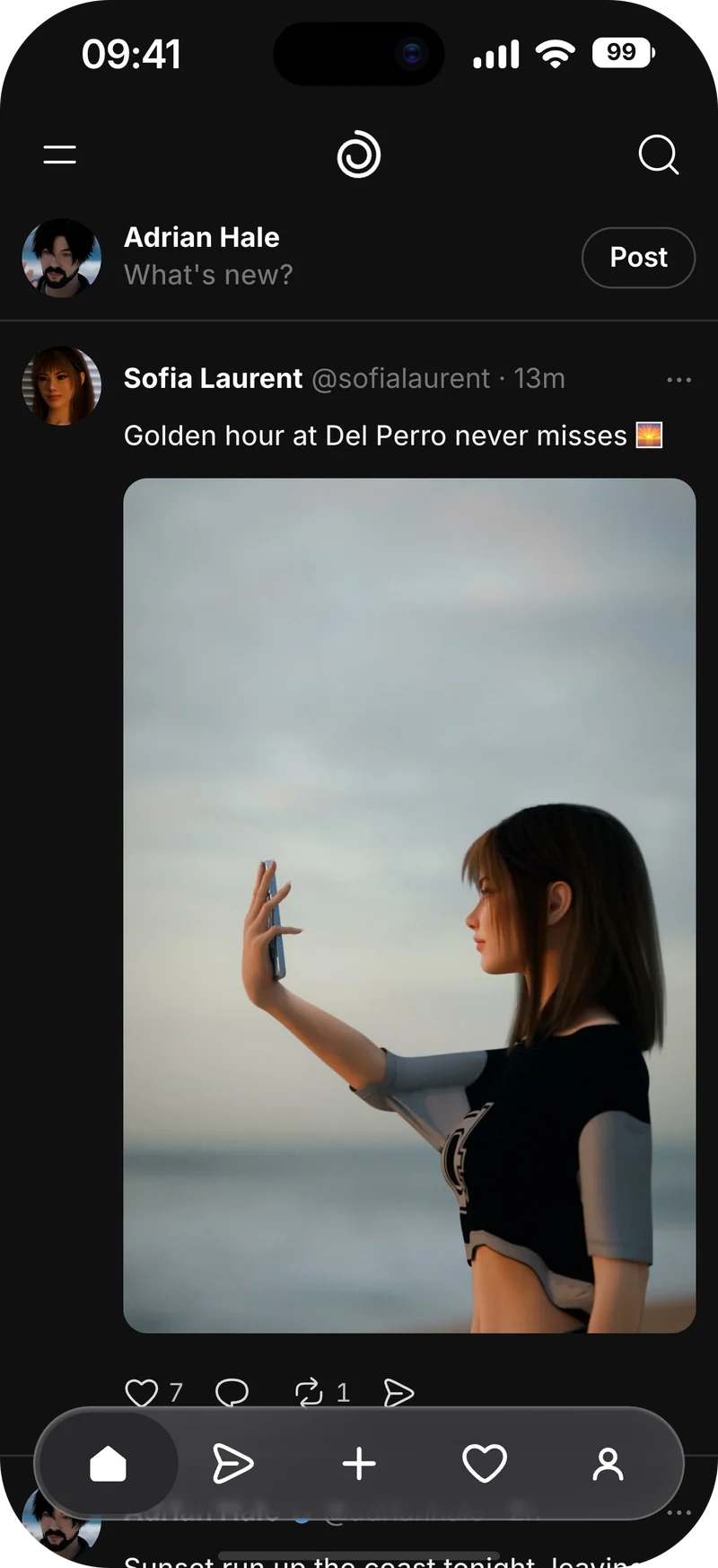
 Strand
The city’s feed. Post, repost and argue in real time.
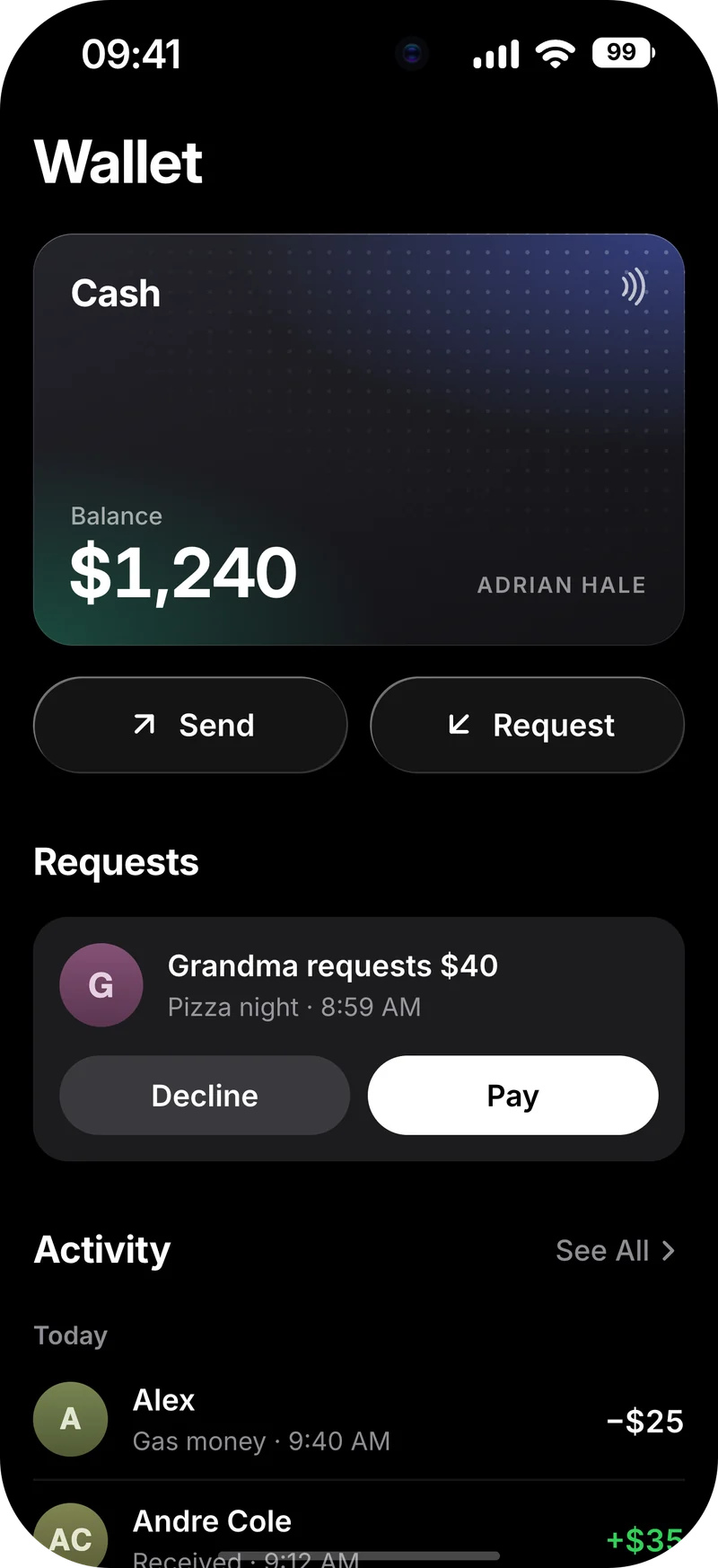
 Wallet
Money, in a tap. Send it, request it, settle up.
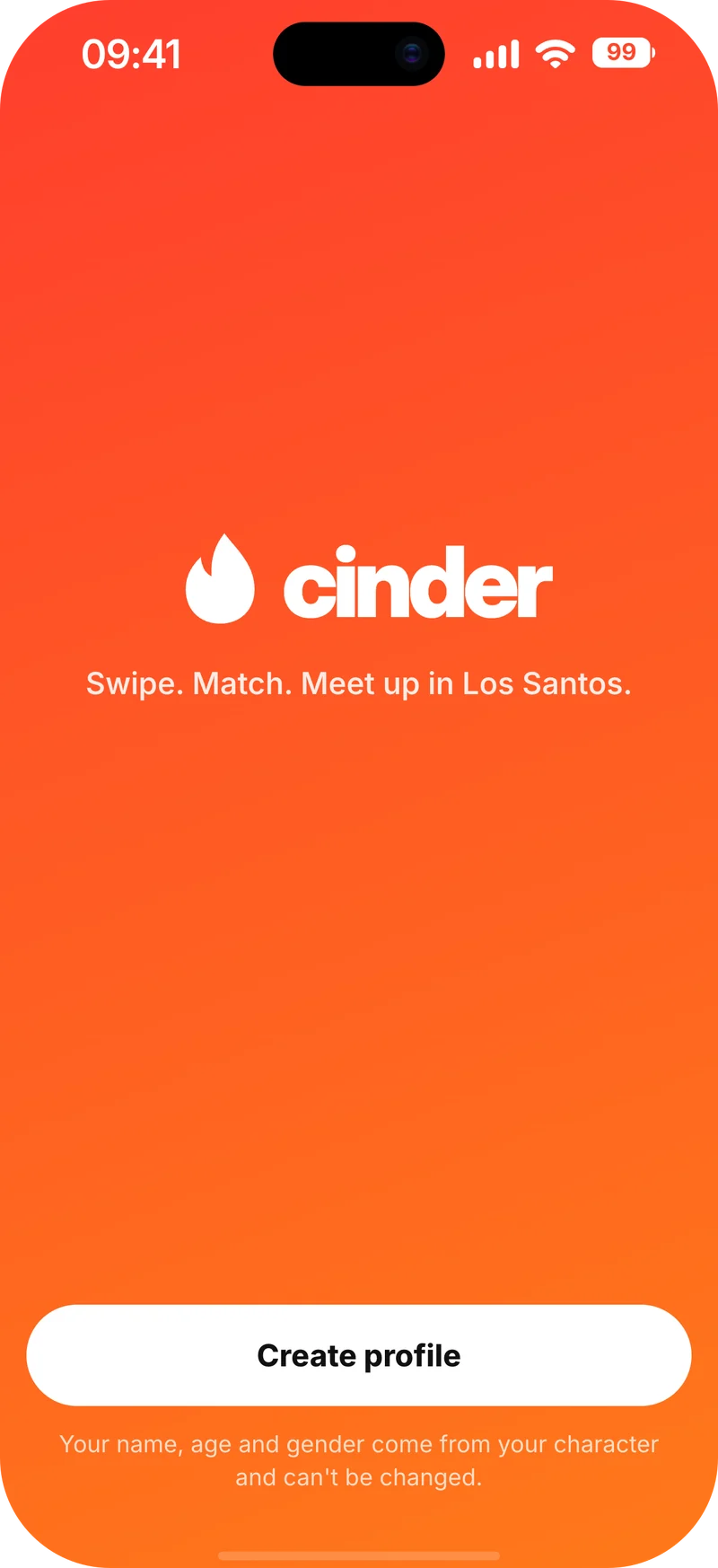
 Cinder
Swipe. Match. Meet up somewhere in Los Santos.
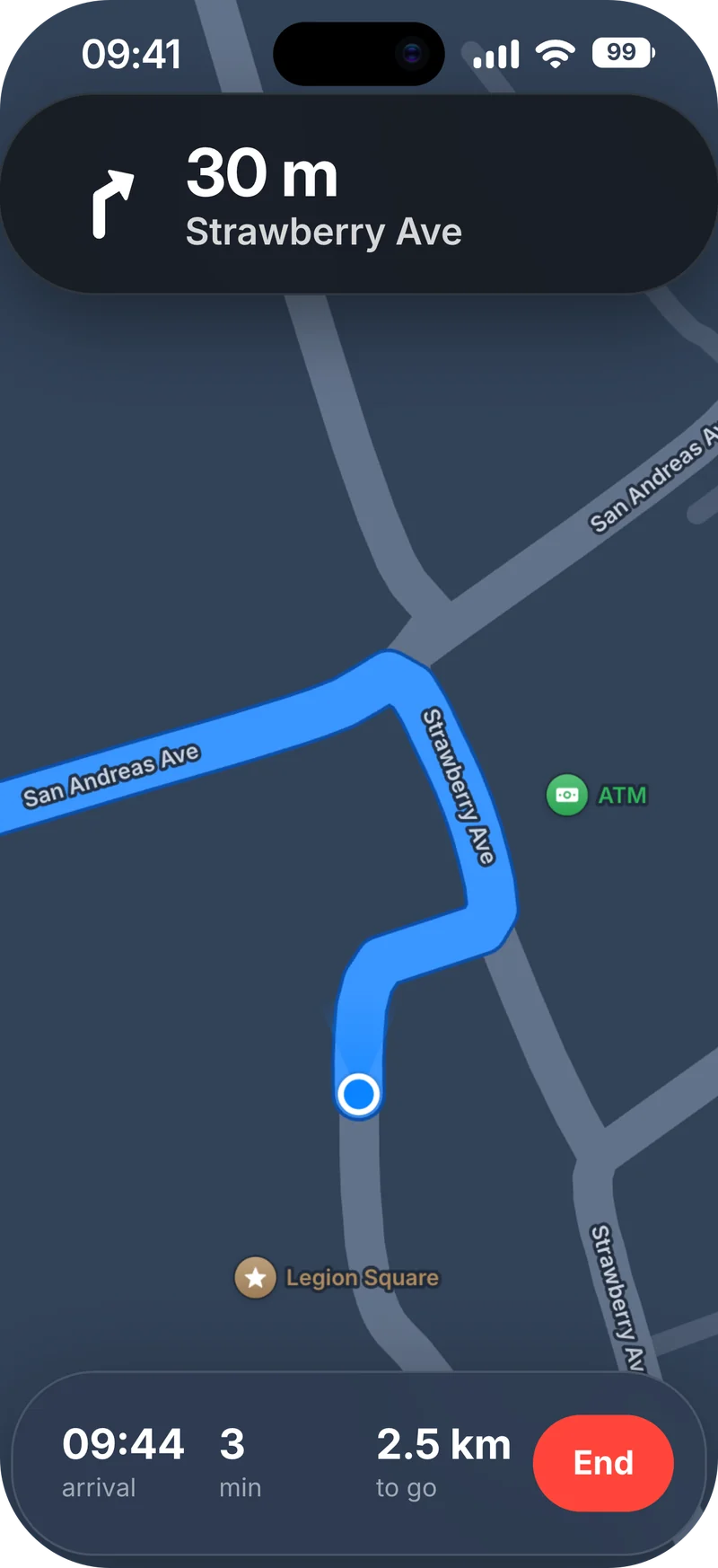
 Maps
Turn-by-turn, anywhere in the city. The next turn waits in the Dynamic Island, so you never have to open the app.
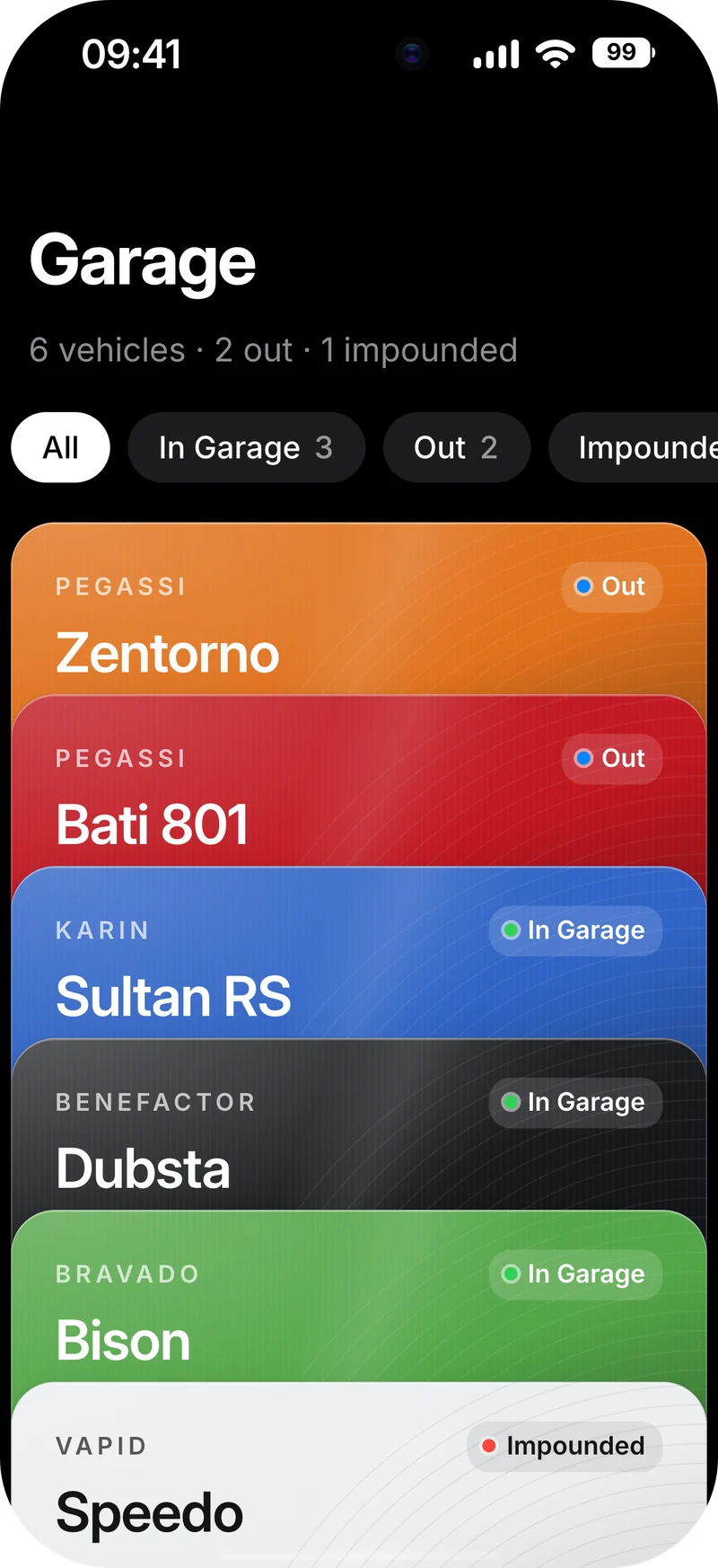
 Garage
Every car you own. And whether it’s out, home or impounded, at a glance.
 Services
Help, a tap away. Police, medics and the city’s mechanics.
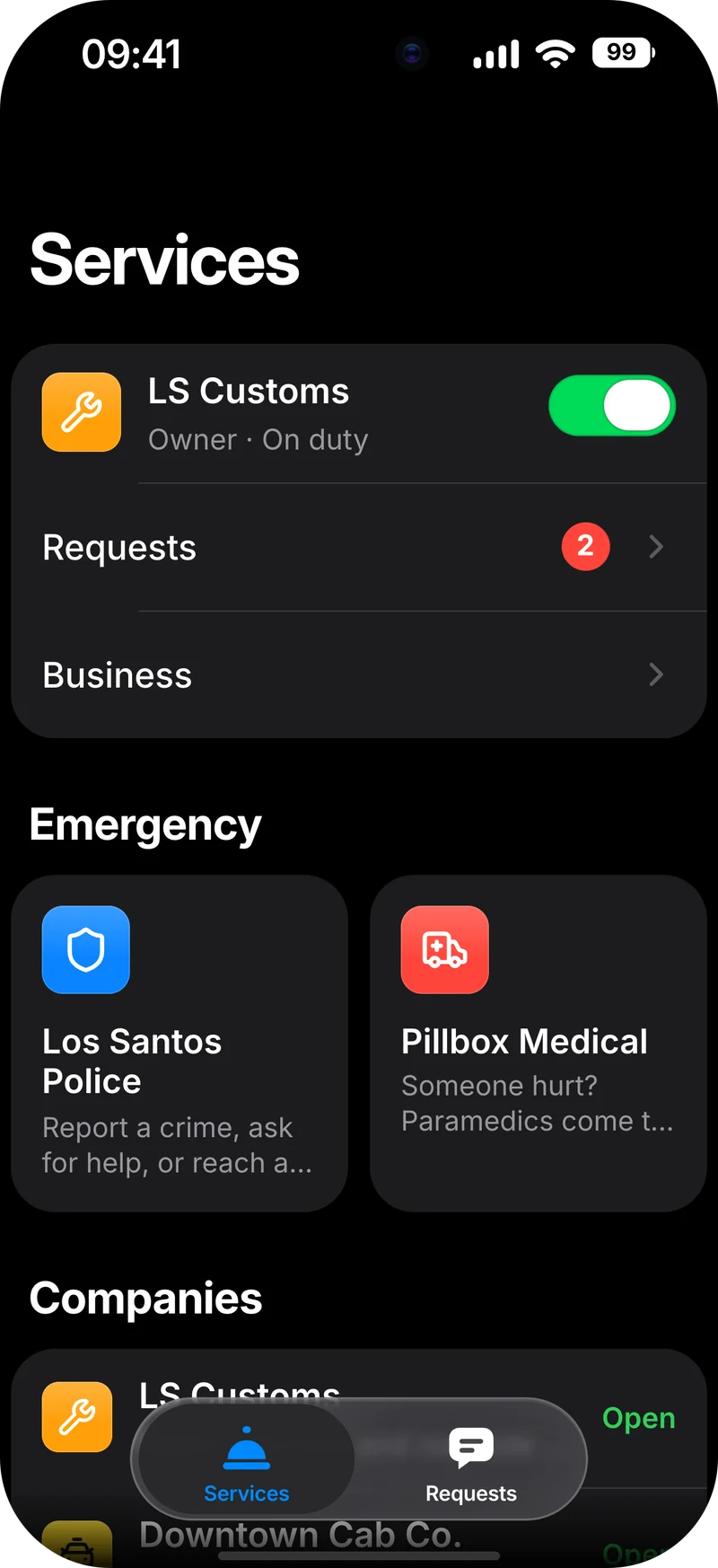
Built to be lived in.
Every screen here is the RX Phone itself, recorded off its own display.
Dynamic Island. Your next turn, the song that’s playing and your calls live up top. Swipe between them, or tap one to open it out.
Lock Screens, made yours. Swipe between the ones you’ve made, each with a wallpaper, a colour and a clock of its own.
Liquid, down to the player. Scroll and the player melts into the tab bar. Tap it and it opens into Now Playing.
Five colours. RX Red, Burgundy, Glacier, Silver and Black.
Control Center, your way. Every switch, slider and shortcut a swipe away. Hold it to make it yours: resize a control, or add another from the gallery.
Apps grow from their icons. Each one begins where your finger lands, and ends where it began. You stop noticing. That was the idea.
Widgets, in three sizes. Pull one bigger and the apps around it make room. Push it back and they fall right back into place.
Camera
The whole city, in frame.
Three lenses on one plateau, and a Camera laid out the way the one in your pocket is. Step from ultra wide to telephoto, set the flash and the timer, and every picture goes straight to your roll, kept by the server and ready in Gallery.
4 zoom steps, from 0.5× to 5×
10 s self-timer, or 3 for a quick one
- Ultra Wide0.5×
- The whole street, in one shot.
- Wide1×
- The everyday camera.
- Telephoto3×
- Closer, from across the street.
- Telephoto5×
- A face, from the end of the block.
- Front1×
- Turn it round for the selfie.
From the whole street
to a single face.
Ultra wide takes everything in, 3× and 5× bring the far end of the block close, and Portrait softens whatever is behind the person you’re shooting. One tap between them.
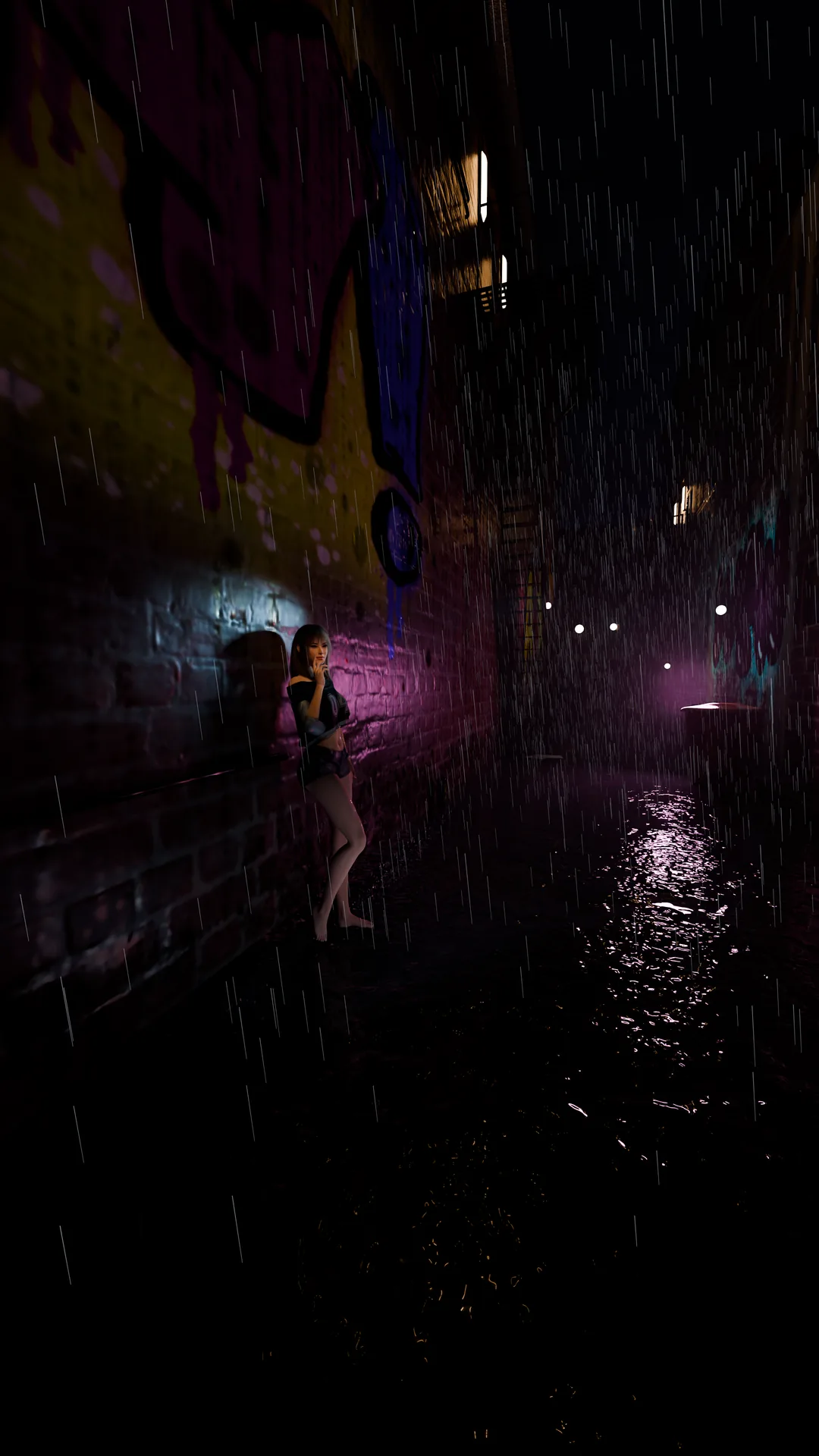
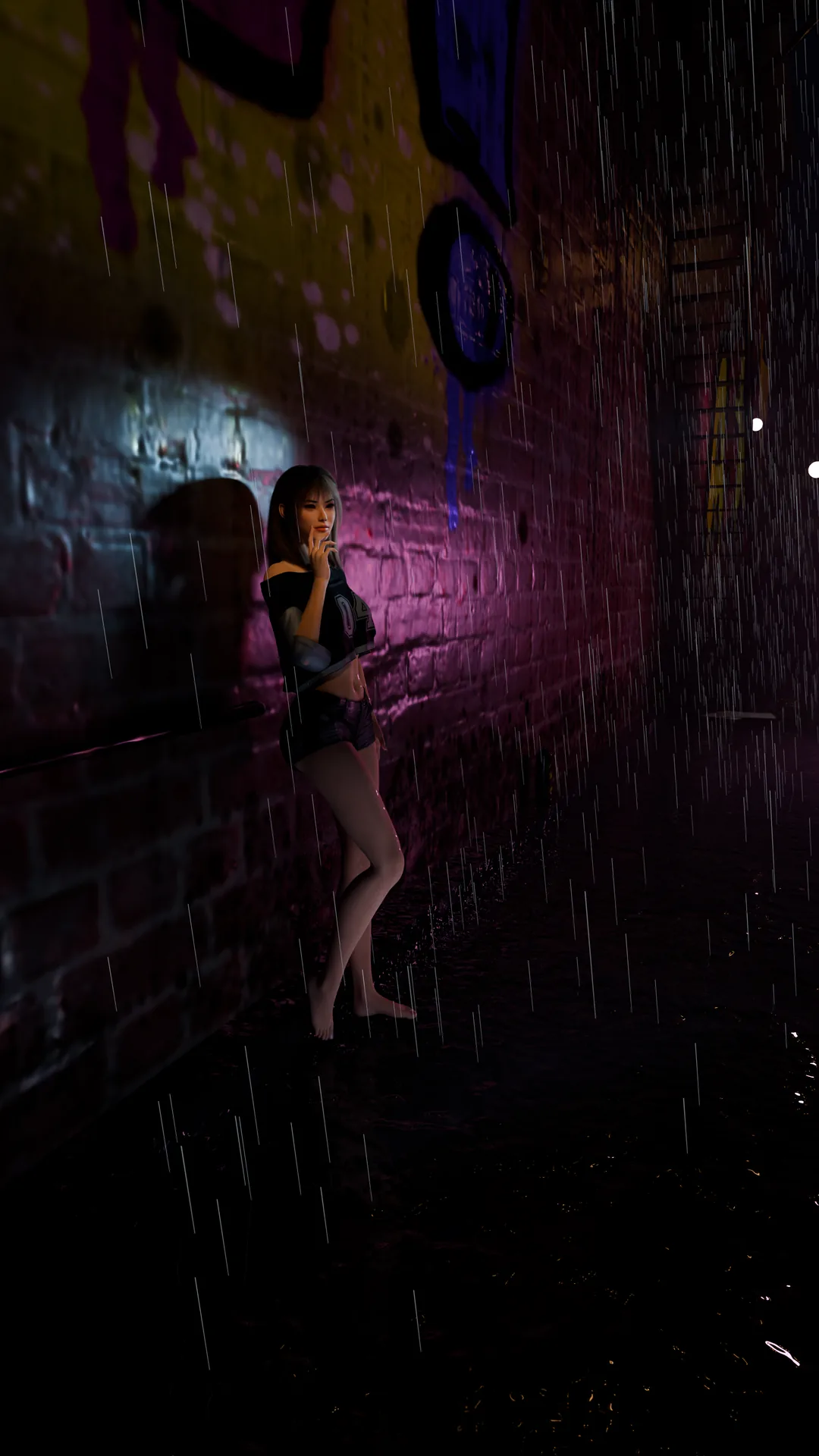
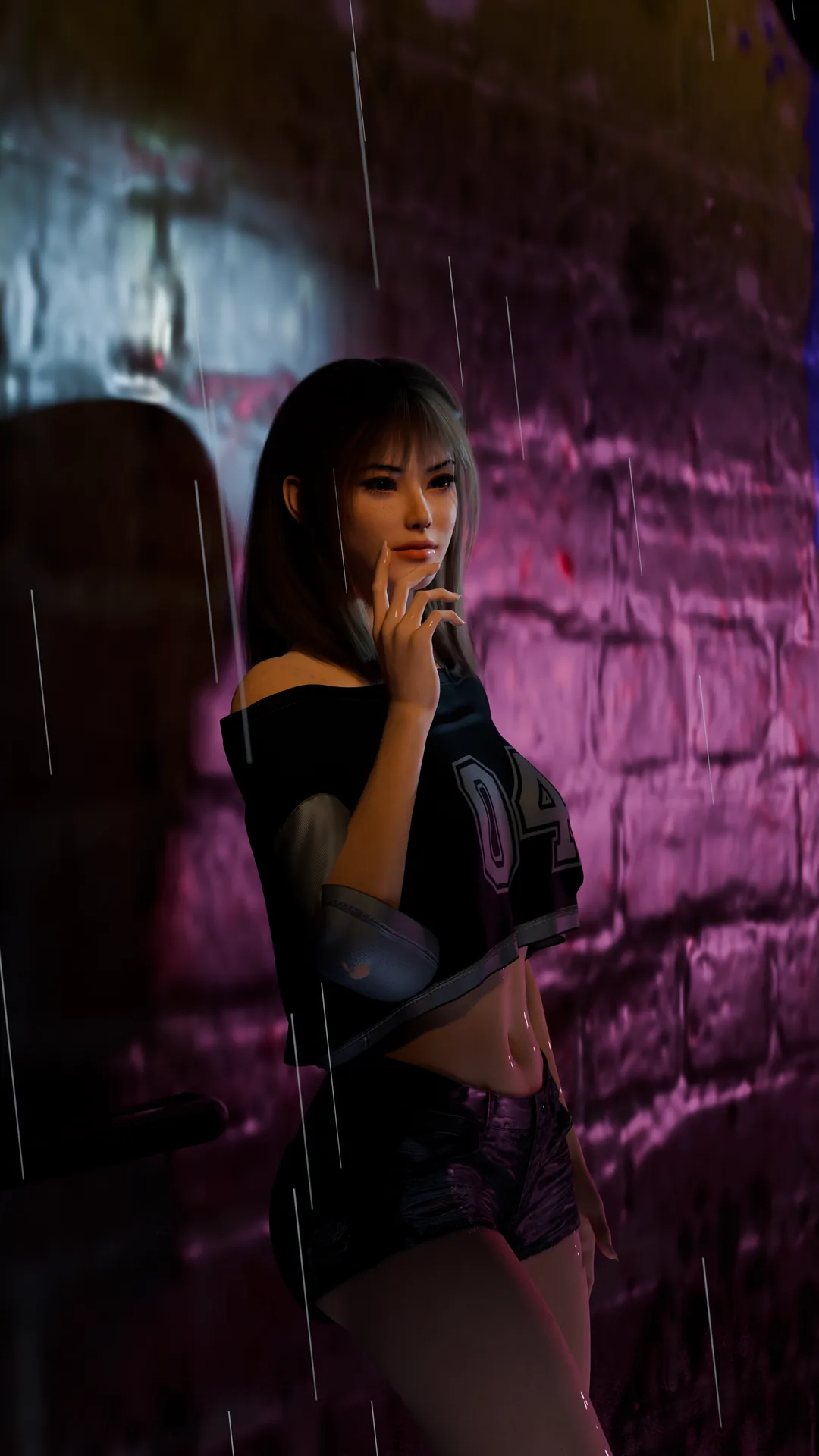

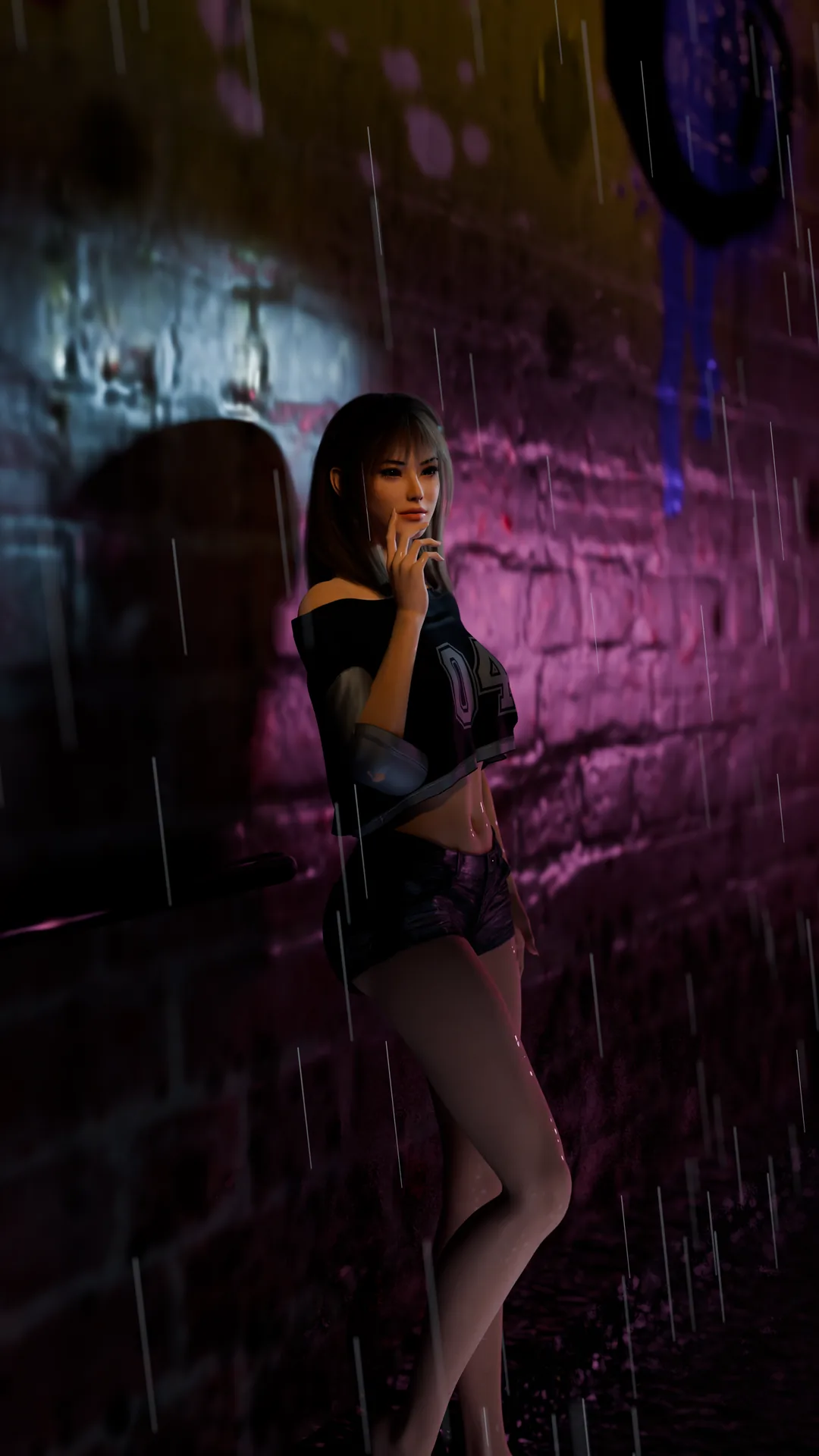
1× Wide. The everyday camera, for whatever is in front of you.
Every shot, your call.
Night mode, the flash and the front camera, each a tap away.
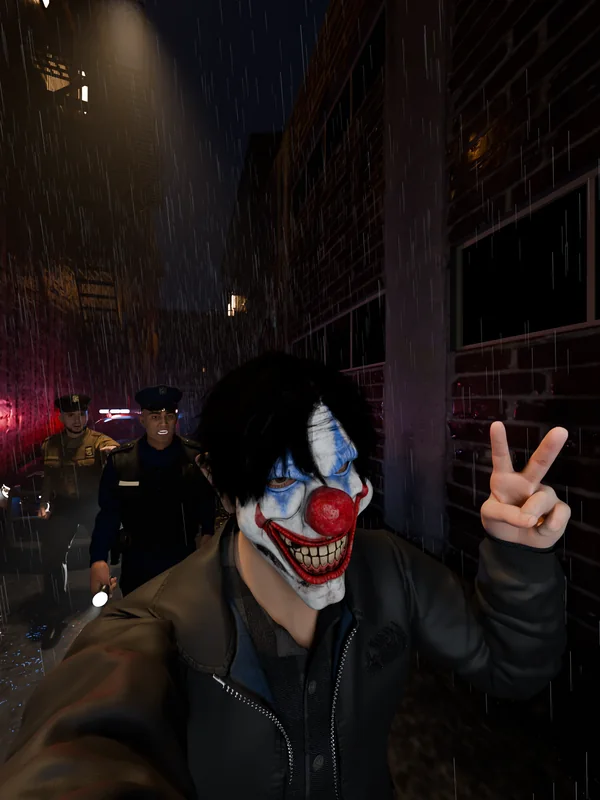
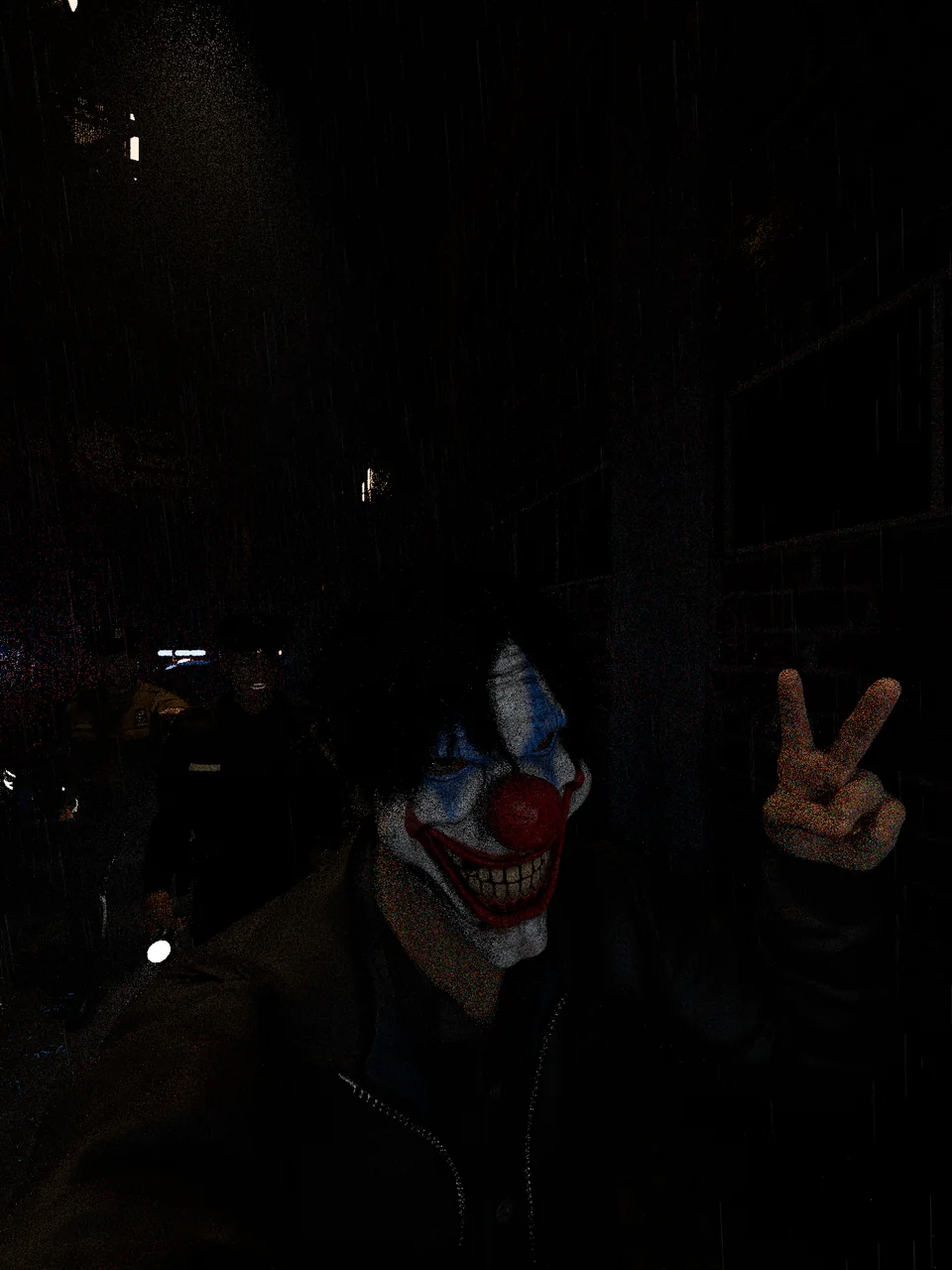
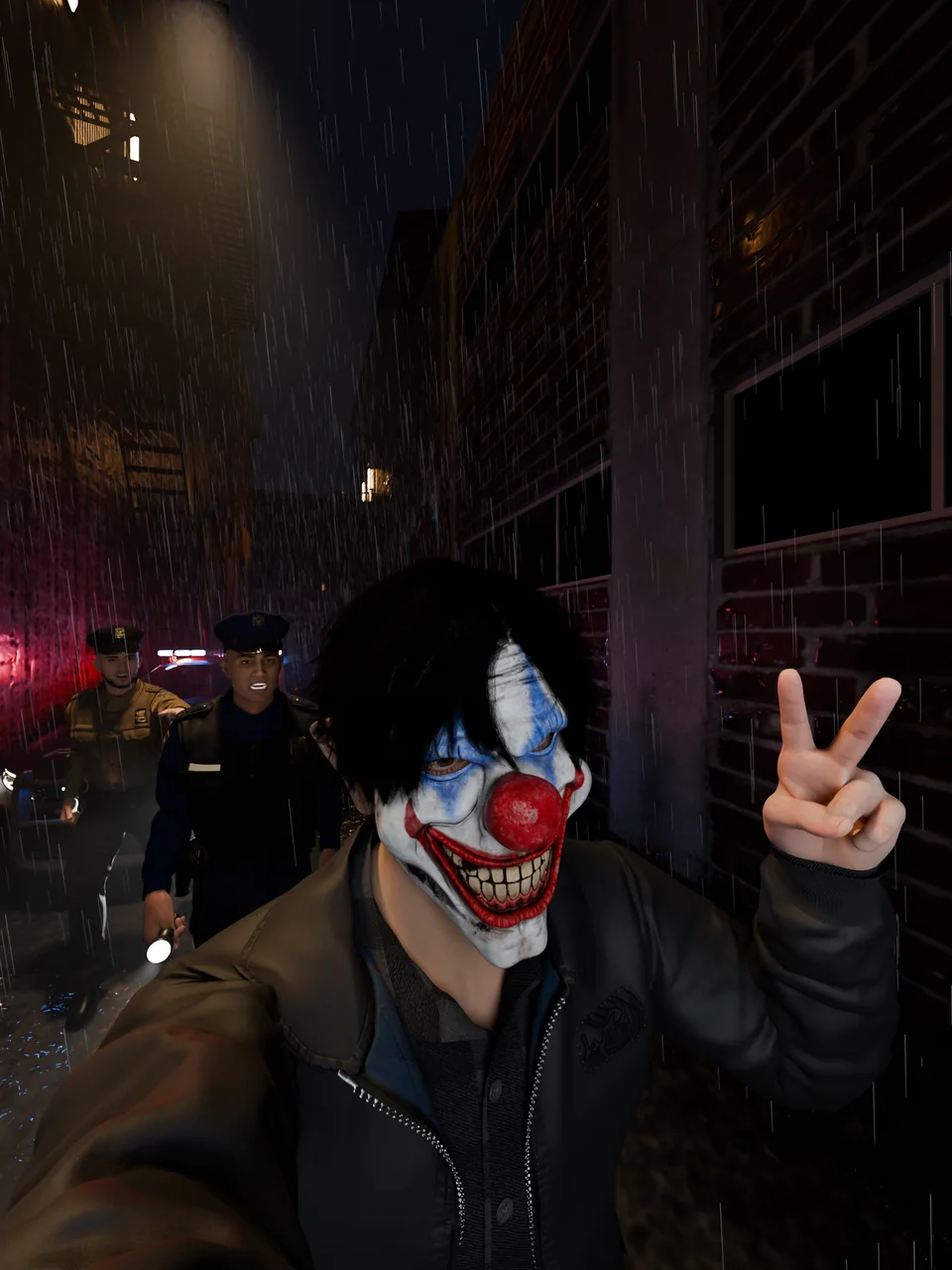
Night mode. Hold still a moment after dark and the alley comes back lit — the rain, the sirens, the grin.
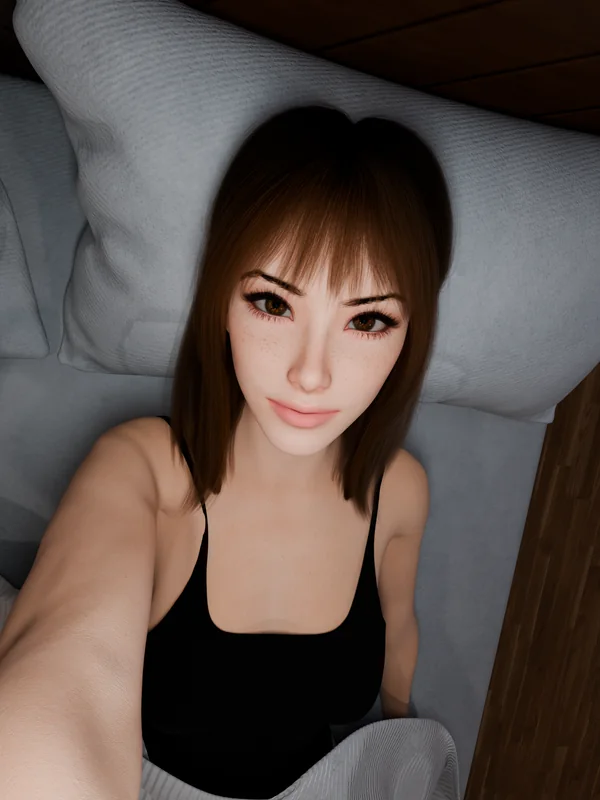

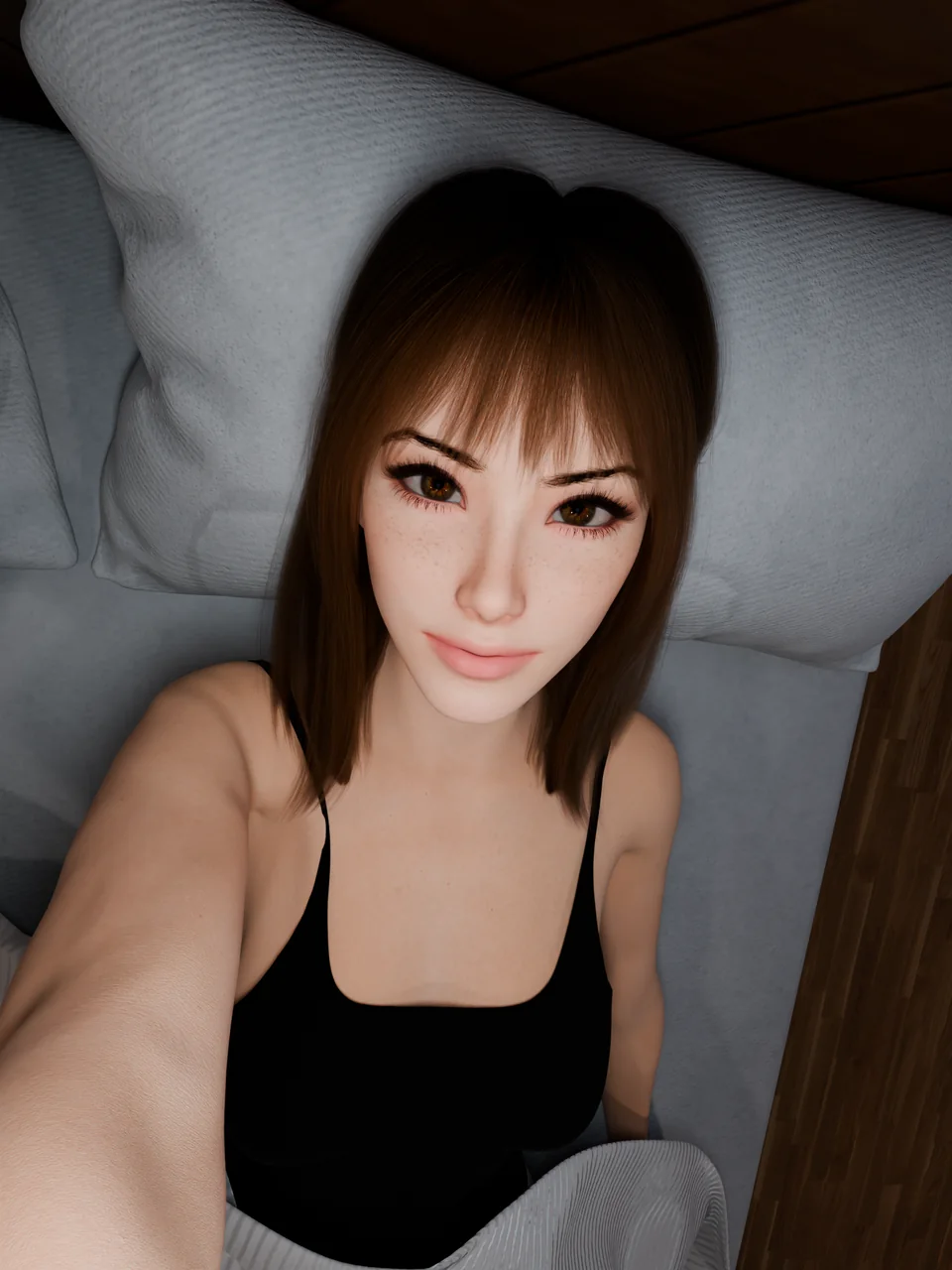
Even with the lights off. A selfie in a dark bedroom comes out clean instead of grainy.
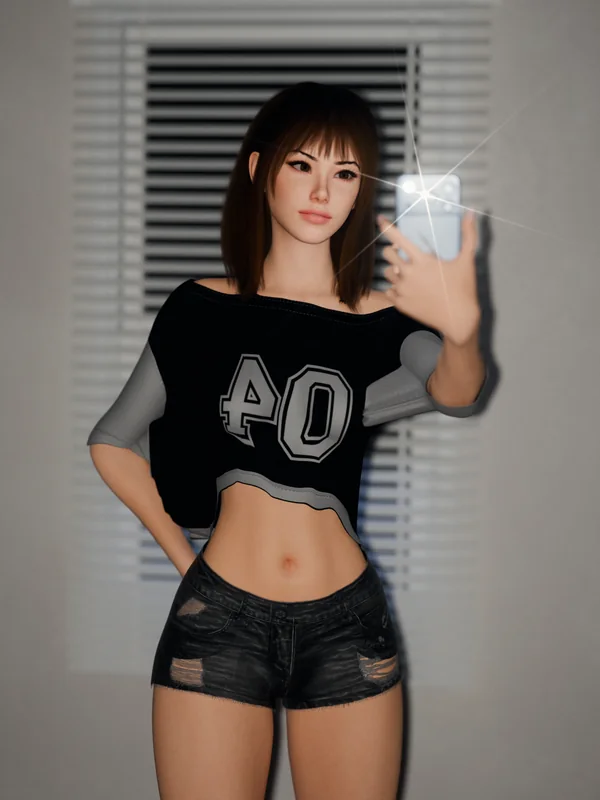
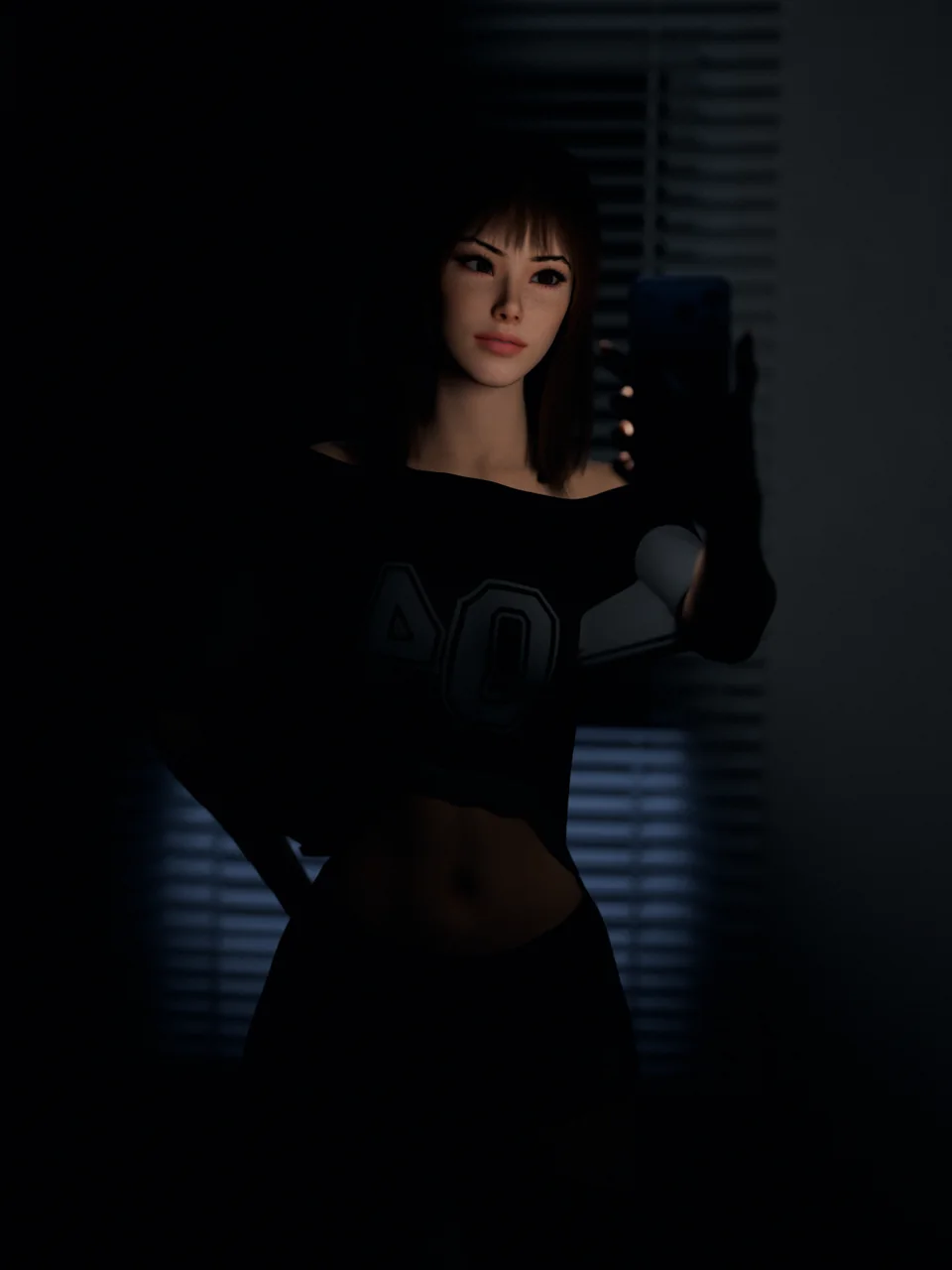
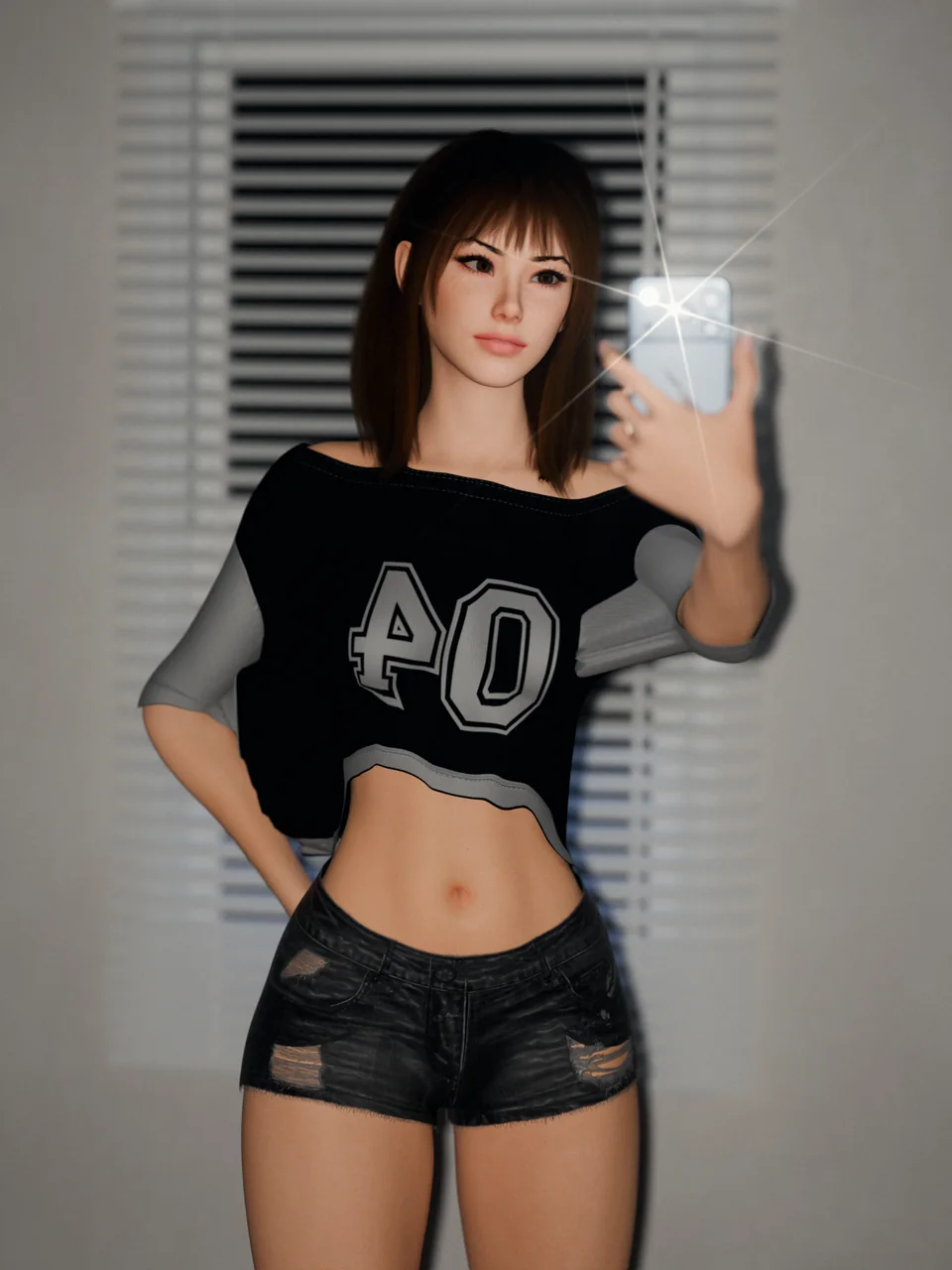
Flash. In a dark room it lights up the mirror shot the moment you press.
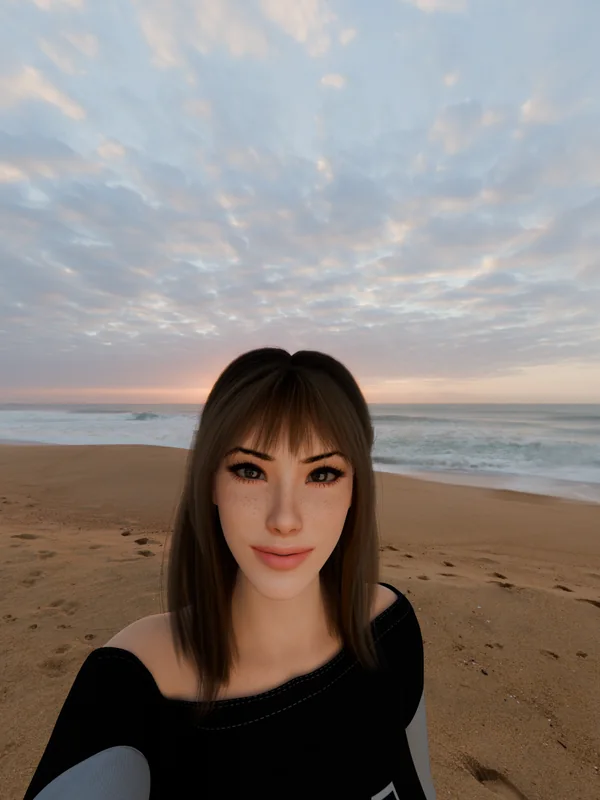

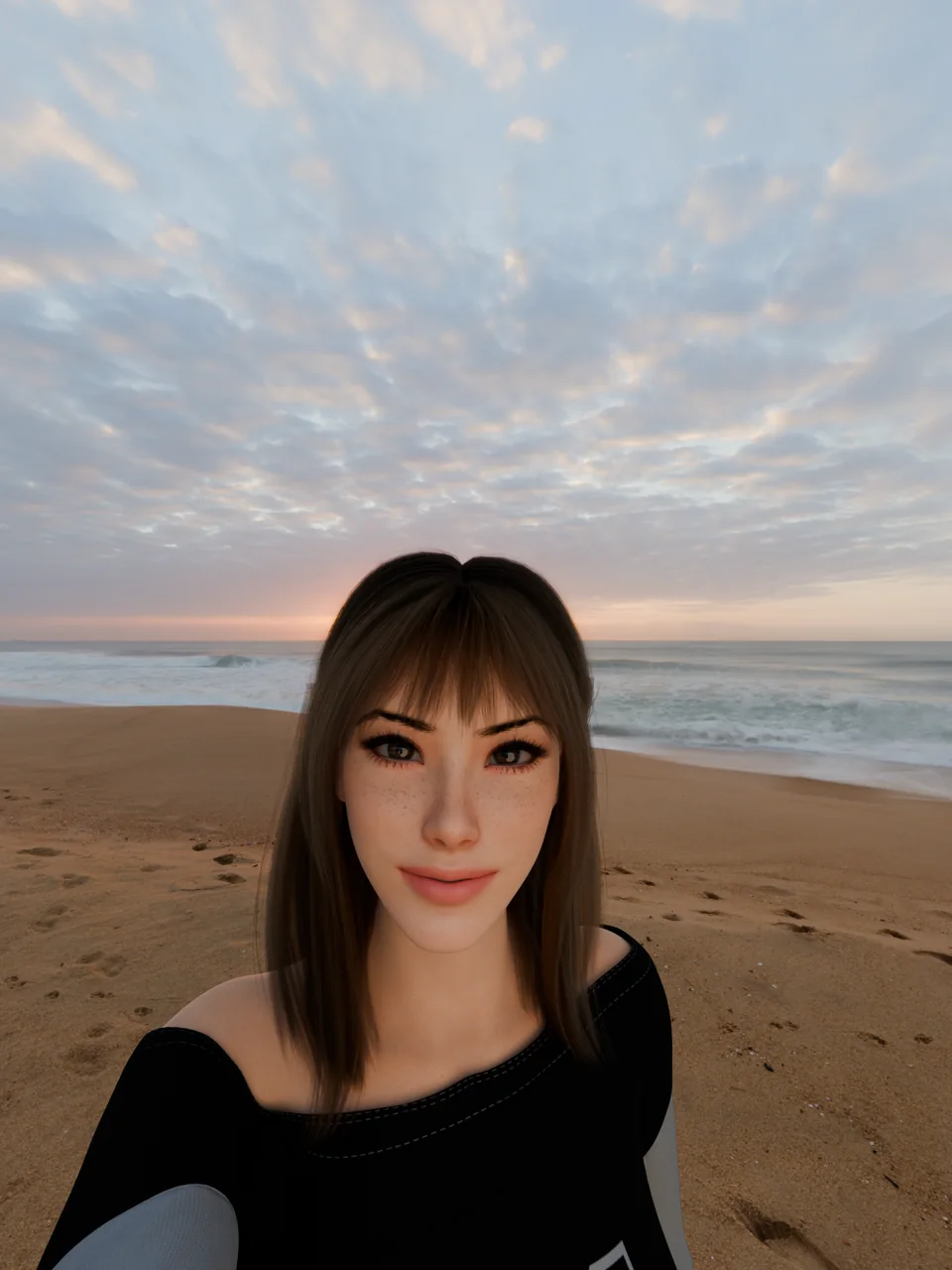
Front camera. One tap turns the camera round, for the selfie at the water’s edge.
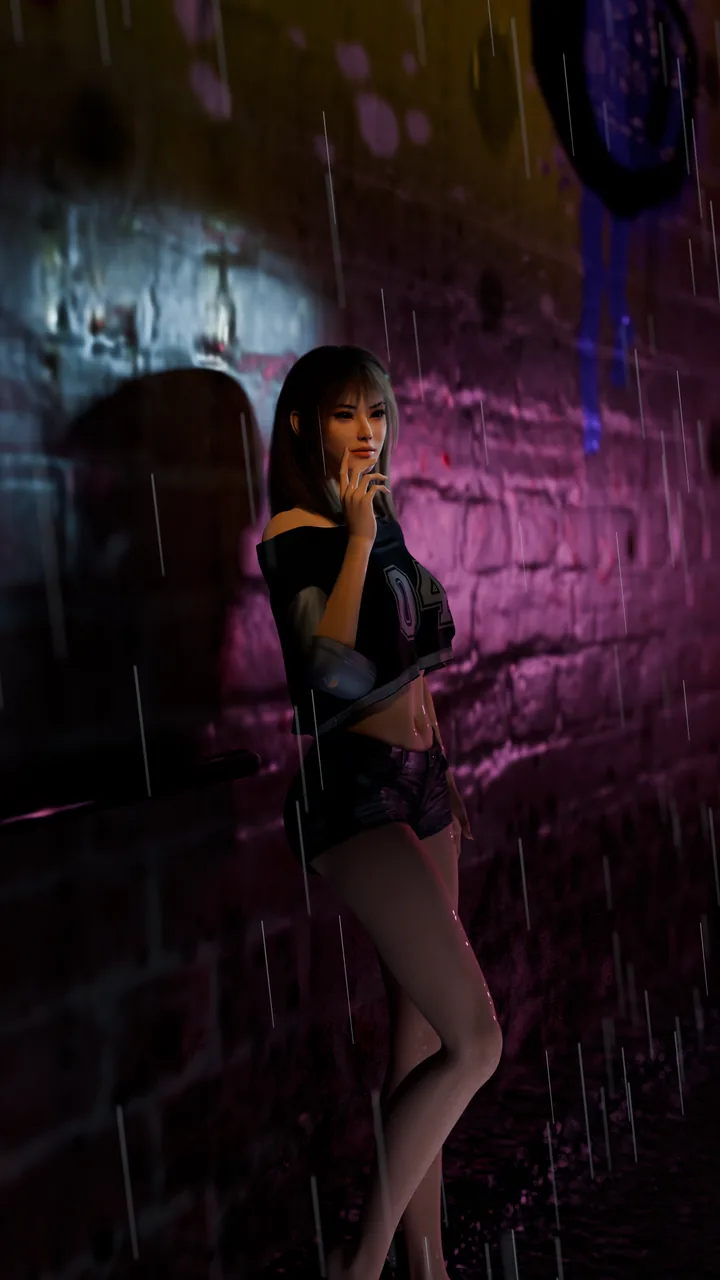
Every shot, kept. The server saves each one, and they wait for you in Gallery.
Video Call
Face to face,
across the city.
Call anyone in your contacts and see them, live — on the sofa, on the beach, wherever the day took them. Their camera fills your screen, yours sits in the corner.
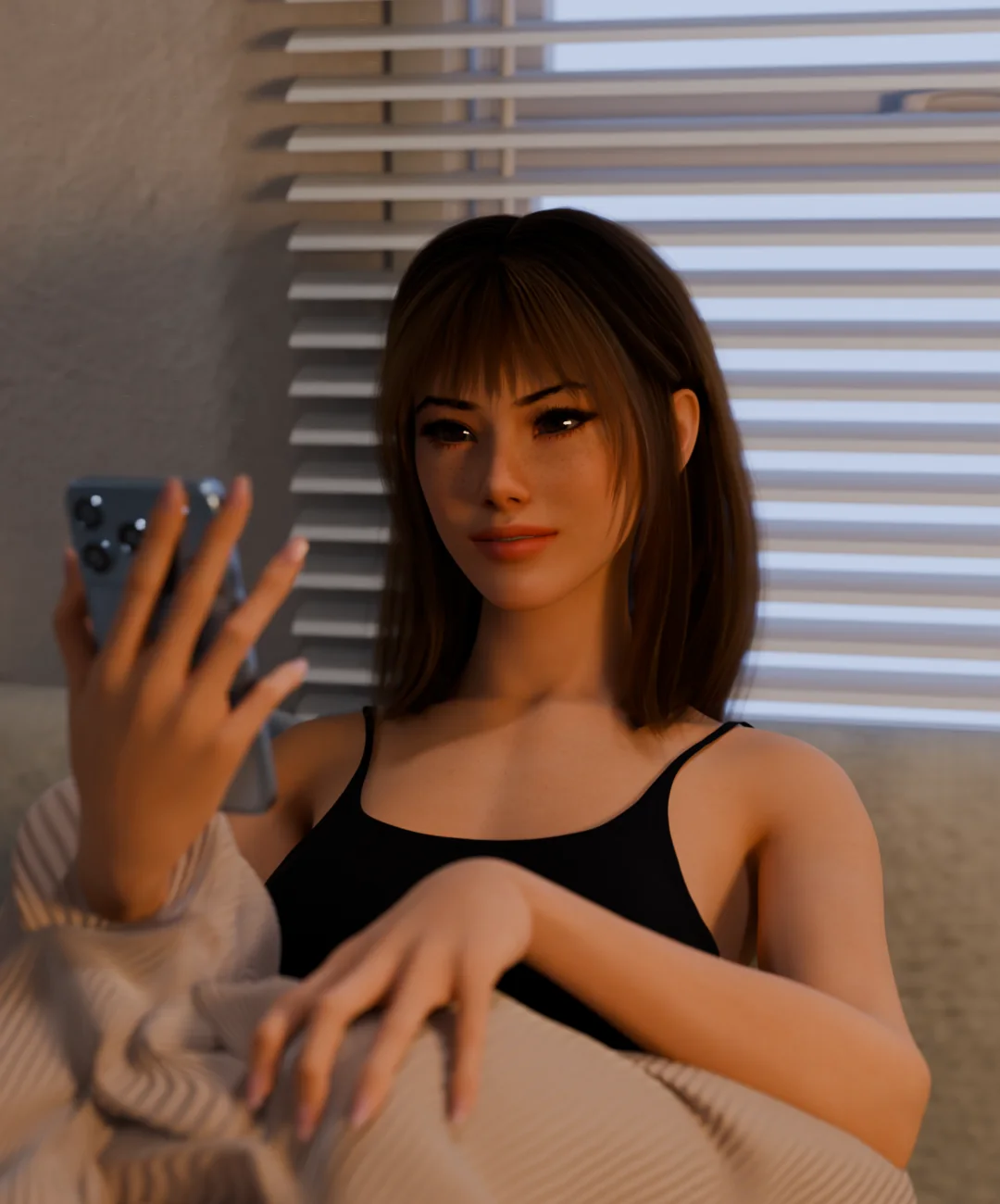
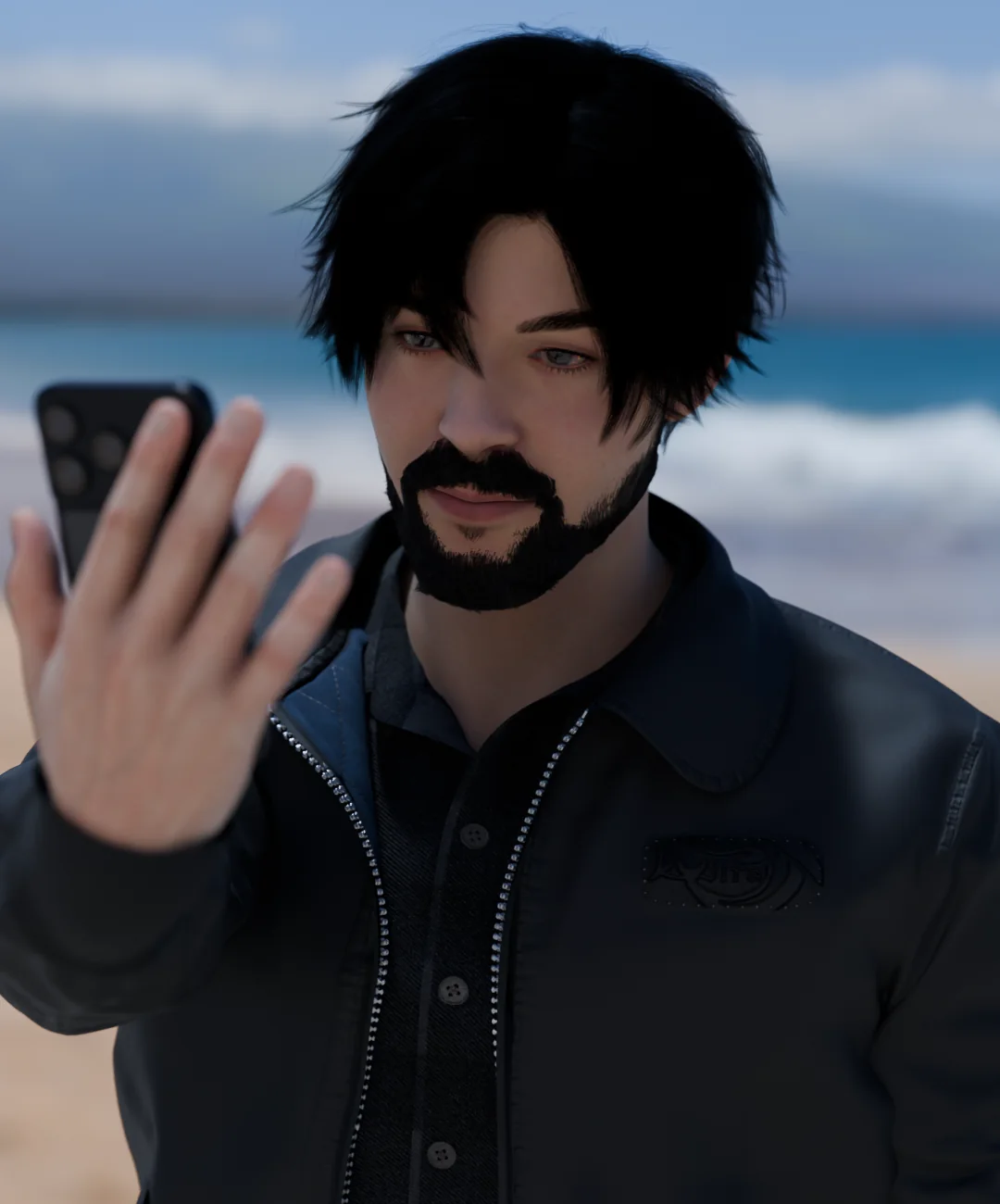
She sees him.
He sees her.
The same call on both phones. Speaker, mute, camera and hang up sit right under their face, one tap each.


Keep talking, keep going. Leave the call and it shrinks to a live window over your apps. Move it to whichever corner is out of the way.
Like being in the room. Their face moves as they talk, in real time, while you sit back wherever you are in the city.
- Picture in picture
- Go home or open any app and the call shrinks to a live window on top.
- In the Dynamic Island
- The call’s time and a live voice meter stay up top, whatever is open.
- Video, when you want it
- Start with your voice and turn the camera on mid-call, or off again, without hanging up.
Tech Specs
- Frameworks
ESX · QBCore · QBOX · Standalone
Detected when the server starts, or pinned in the config.
- Calls
Voice and video, live both ways
Video calls keep going in picture in picture while you use the rest of the phone, with the call’s time and a voice meter in the Dynamic Island. An incoming call drops in over whatever is open.
- Photos & voice notes
Shared in a tap, kept for good
Photos and voice messages are sent once and open on every phone they reach. The camera roll is kept on the server, so it follows the player wherever they play.
- Camera
0.5× to 5×, plus Portrait
Flash, a 3 or 10 second self-timer and the front camera, with every shot kept in Photos.
- Personalisation
Lock Screens, widgets, Control Center
Lock Screens with a wallpaper, colour and clock of their own, widgets in three sizes, a Control Center you rearrange, and Focus to keep notifications quiet.
- Wallpapers
64 built in
Sixteen scenes of the city and beyond, each in four colourways.
- Weather
Your server’s own sky
The phone follows the game’s weather, or a schedule you set. With a schedule it forecasts hours ahead and warns of what is coming.
- Languages
English · Türkçe · Deutsch · Français · Español · Português · Italiano · Nederlands · Polski · Čeština · Slovenčina · Magyar · Română · Svenska · Norsk · Dansk · Suomi · Ελληνικά · Русский · Українська · العربية · 简体中文 · 日本語 · 한국어
Every string lives in a locale file, so the phone speaks your server’s language.
- Configuration
One file
Key and command, a weather schedule, and the rules for Wallet, Garage, Marketplace and Cinder.